You bought a 5G phone, you’re in a city with Airtel 5G coverage, and yet your phone stubbornly sits on 4G — or shows no data at all. The Airtel 5G not working Android problem is one of the most common complaints among Indian smartphone users, and the fix is usually a settings issue rather than a network problem. Airtel’s 5G Plus network now covers a large number of cities and towns across India, but several things have to line up — the right plan, the right network mode, an updated phone, and actual coverage — before that 5G icon appears.
This guide walks you through 8 fixes for Airtel 5G not working on Android, ordered from the quickest checks to the deeper troubleshooting steps. It covers the Airtel Thanks app’s 5G claim process, the correct network mode and APN settings, SIM and device compatibility checks, and what to do when the problem is coverage rather than configuration. Let’s start with the prerequisites most people skip.
In This Guide
- Prerequisites: 4 Things That Must Be True First
- 60-Second Quick Checks
- 8 Fixes for Airtel 5G Not Working on Android
- Correct Airtel 5G APN Settings
- Coverage Problem or Configuration Problem?
- When to Contact Airtel Support
- Frequently Asked Questions
Prerequisites: 4 Things That Must Be True First
Before changing a single setting, confirm these four prerequisites. If any one of them fails, no amount of troubleshooting will conjure a 5G signal — and knowing which one is missing saves you an hour of fruitless settings-tweaking.
1. Your phone must actually support 5G (on Airtel’s bands)
Not every “5G” phone works on every 5G network. Airtel’s 5G Plus runs primarily on the n78 band (3500 MHz) along with n8, n3, n1, and n28 in various circles. Check your phone’s specifications for n78 support — most 5G phones sold in India since 2021 include it, but some imported or early models don’t. You can verify in Settings > About phone or on the manufacturer’s spec page. Airtel also maintains a list of 5G-compatible handsets; if the Thanks app says your device isn’t supported, that usually means the specific model variant isn’t in their database rather than a hard technical block.
2. You need an eligible plan with 5G access
Airtel has offered 5G access on existing 4G plans in many cases, but eligibility rules and promotional unlimited-5G offers have changed over time. Open the Airtel Thanks app and check whether your current plan includes 5G access and whether there’s an “unlimited 5G” or 5G benefit to claim. If your plan doesn’t include 5G, no settings change will help — you’ll need to move to an eligible recharge.
3. Your SIM must be 5G-ready
The good news: Airtel has stated that existing 4G SIMs are 5G-enabled, so you generally don’t need a SIM swap for 5G the way older generations required. But if your SIM is very old, damaged, or was cut down from a larger size by hand, replace it at an Airtel store — a flaky SIM can prevent 5G registration even when 4G works fine.
4. You must be in an Airtel 5G coverage area
Airtel 5G Plus has rolled out across a large number of Indian cities and towns, but coverage is still not universal — and even within covered cities, it varies by locality. Check Airtel’s coverage map in the Thanks app or on their website for your specific area. If you’re outside coverage, your phone will (correctly) stay on 4G, and that’s not a fault to fix.
60-Second Quick Checks
- Is mobile data on? Sounds trivial, but data toggles get switched off accidentally.
- Restart the phone. A fresh boot forces re-registration on the network and clears stale modem state — the single most effective quick fix for Airtel 5G not working on Android.
- Toggle airplane mode: on for 30 seconds, then off, and wait up to two minutes for the network search to complete.
- Check for outages: ask nearby Airtel users or check social media for outage reports in your area before assuming your phone is at fault.
- Move outdoors: 5G signals (especially mid-band n78) penetrate buildings worse than 4G. Step outside or near a window and see if the 5G icon appears.
8 Fixes for Airtel 5G Not Working on Android
Work through these in order. Each fix targets a specific, common cause of Airtel 5G not working on Android phones.
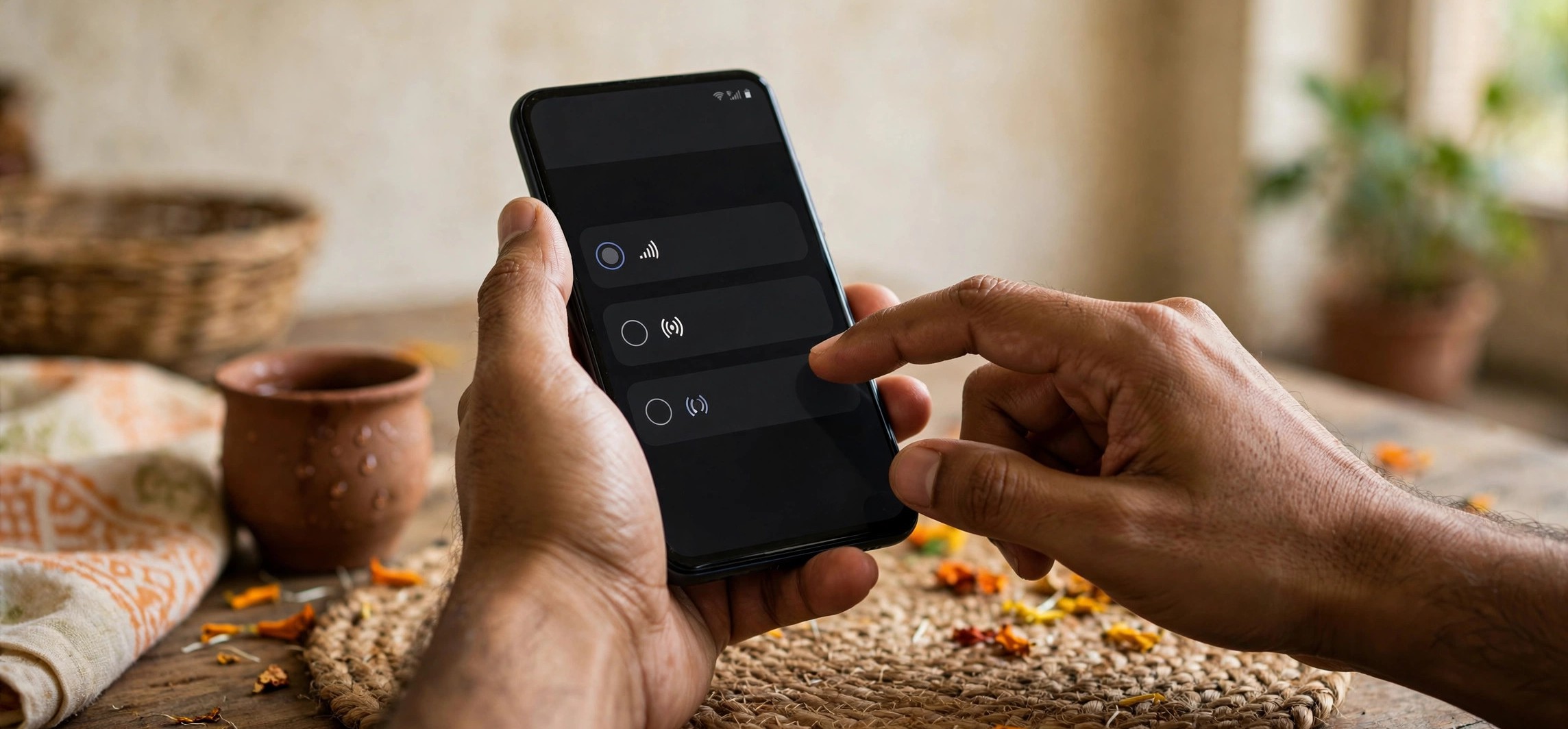
Fix 1: Set the preferred network type to include 5G
This is the number-one cause. Many phones ship with the network mode locked to 4G/3G/2G, or a battery-saver feature silently downgrades it.
- Open Settings > Network & Internet > SIMs > Airtel > Preferred network type (on Samsung: Settings > Connections > Mobile networks > Network mode; on Xiaomi/Redmi/Realme: Settings > SIM cards & mobile networks > Airtel > Preferred network type).
- Select 5G/4G/3G/2G (auto) or the 5G-preferred option your phone offers.
- Restart the phone and wait a couple of minutes for 5G registration.
If the 5G option doesn’t appear in the list at all, your phone’s software may not expose it for the Airtel SIM — update the phone’s software (Fix 5) and check again.
Fix 2: Claim 5G access in the Airtel Thanks app
Airtel manages 5G provisioning through the Thanks app. Open it, log in with your Airtel number, and look for a 5G banner or “Claim unlimited 5G” prompt on the home screen. If your plan includes a 5G benefit, claim it here — some users find 5G only starts working after this explicit opt-in, even on eligible plans. While you’re in the app, confirm your plan’s validity and data balance too.
Fix 3: Reset or correct the APN settings
Wrong APN settings can block 5G data even when the 5G icon shows. Go to Settings > Network & Internet > SIMs > Airtel > Access Point Names, tap the menu, and choose Reset to default. Make sure the active APN is Airtel’s with APN set to airtelgprs.com. (Full manual values are listed in the APN section below.) Restart after resetting.
Fix 4: Reseat the SIM and check the slot
Power off, eject the SIM tray, inspect the Airtel SIM for damage, wipe the contacts with a dry soft cloth, and reinsert firmly. On dual-SIM phones, try the other slot — and note that on some phones, 5G works best (or only) on the primary SIM slot designated for data. Also check Settings > SIMs to confirm mobile data is assigned to the Airtel SIM, not the other one.
Fix 5: Update phone software and carrier settings
Manufacturers roll out carrier bundles and modem firmware that specifically enable or improve 5G on Indian networks. Go to Settings > System > Software update and install everything pending. On some phones, carrier settings update silently when the SIM is inserted while connected to Wi-Fi — leave the phone on Wi-Fi for a few minutes after a reboot to let this complete. Outdated modem firmware is a genuine, documented cause of Airtel 5G not working on Android, particularly on phones bought before 2023.
Fix 6: Reset network settings
If individual settings look right but 5G still won’t connect, reset the whole network stack: Settings > System > Reset options > Reset Wi-Fi, mobile & Bluetooth. This wipes saved Wi-Fi passwords and Bluetooth pairings, so it’s a “nuclear but safe” option — your apps, photos, and files are untouched. After the reset, re-select the 5G network mode (Fix 1) and test again.
Fix 7: Manually select the Airtel network
Go to Settings > Network & Internet > SIMs > Airtel > Network, turn off automatic selection, wait for the scan, and choose Airtel manually. This can unstick phones that are clinging to a weak 4G registration and refusing to re-scan for 5G. Remember to switch automatic selection back on afterwards.
Fix 8: Check battery saver and data saver modes
Aggressive battery-saver modes on some phones (notably Xiaomi’s MIUI and Samsung’s power saving) can restrict the modem to 4G to save power. Turn off battery saver temporarily and retest. Similarly, check that Data Saver isn’t interfering, and look for any “5G battery saving” or “smart 5G” toggle in your network settings — these features auto-downgrade to 4G and can be overzealous.
Here’s a summary of what each fix targets:
| Symptom | Likely cause | Fix |
|---|---|---|
| Phone stuck on 4G in a 5G area | Network mode locked to 4G | Fix 1: set 5G/4G/3G/2G auto |
| 5G icon shows, but no internet | Wrong APN | Fix 3: reset APN to default |
| 5G worked before, stopped suddenly | Plan benefit lapsed / FUP | Fix 2: check Thanks app plan & 5G claim |
| 5G missing after phone update | Carrier bundle/modem issue | Fix 5: install software updates |
| 5G works outdoors, not indoors | Weak mid-band signal | Not a fault — use Wi-Fi calling indoors |
Correct Airtel 5G APN Settings
If the automatic reset doesn’t create a working APN, enter these values manually:
- Name: Airtel
- APN: airtelgprs.com
- APN type: default,supl
- APN protocol: IPv4/IPv6
- Bearer: select LTE and NR (or leave unspecified/ALL)
- Leave proxy, port, username, password, and MMSC blank.
Save, select the APN, restart the phone, and test. For step-by-step official guidance on enabling 5G, see Airtel’s official guide to checking and enabling 5G. If you’re on Jio instead, our Jio SIM no service fix guide covers the equivalent network-mode steps for Jio.
Coverage Problem or Configuration Problem?
An honest word: not every “Airtel 5G not working on Android” case is fixable with settings, because sometimes the problem is physics, not configuration. Here’s how to tell the difference:
- It’s likely configuration if: 5G works on a friend’s phone in the same spot with the same operator, or your phone got 5G here before and suddenly stopped.
- It’s likely coverage if: nobody’s phone gets Airtel 5G at your location, the 5G icon appears outdoors but vanishes indoors, or Airtel’s coverage map shows your area as 4G-only.
- It’s likely the plan if: everything is configured correctly but the Thanks app shows no 5G benefit on your recharge.
If it’s coverage, your options are patience (rollout is ongoing), using Wi-Fi calling indoors — see our guide to enabling Wi-Fi calling on Jio, Airtel, and Vi — or considering whether your usage actually needs 5G speeds at that location. A strong 4G signal often beats a flickering 5G one for real-world use.
When to Contact Airtel Support
If you’ve verified the prerequisites and worked through all 8 fixes, the fault may be account-side — a provisioning error on Airtel’s systems. Contact them with specifics:
- Call 121 from your Airtel number, or use the Thanks app’s help/chat section.
- Tell them: your phone model, that the network mode is set to 5G auto, that you’re in a covered area, and that 4G works but 5G doesn’t register.
- Ask them to check whether 5G provisioning is active on your account and to re-push the network profile if needed.
- Get a complaint reference number and follow up through the Thanks app if the issue isn’t resolved in the promised window.
Frequently Asked Questions
Do I need a new SIM for Airtel 5G?
Generally no — Airtel has stated that existing 4G SIMs are 5G-enabled, so no SIM swap is required. The exception is a physically damaged or extremely old SIM; in that case a free or low-cost replacement at an Airtel store is worth trying.
Does Airtel 5G cost extra over my 4G plan?
Airtel has offered 5G access on existing plans along with promotional unlimited-5G benefits, but offers and eligibility have changed over time. Check the Airtel Thanks app for what your current recharge includes — that’s the authoritative answer for your number, since plan structures are revised periodically.
My phone shows 5G but speeds feel like 4G. Is something wrong?
Not necessarily. The 5G icon indicates the radio connection type, not guaranteed speed — real-world throughput depends on tower congestion, signal strength, and backhaul capacity. Run a speed test at different times of day; if speeds are consistently poor everywhere, report it to Airtel with the test results.
Does 5G work on both SIM slots of a dual-SIM phone?
On most Android phones, 5G data works on only one SIM at a time — the one designated for mobile data — while the other drops to 4G/3G/2G. Make sure Airtel is set as the data SIM in your SIM settings, and check whether your phone’s manual specifies a preferred slot for 5G.
Will using 5G drain my battery faster?
Typically yes, somewhat — the 5G modem draws more power, especially when the signal is weak and the phone works hard to hold the connection. If battery life matters more than speed, leaving the network mode on 4G/5G auto (rather than 5G-only, which you should avoid anyway) lets the phone drop to efficient 4G when 5G offers no benefit.
What is the difference between NSA and SA 5G on Airtel?
NSA (non-standalone) 5G uses a 4G core network with 5G radio, while SA (standalone) uses a full 5G core. Airtel’s 5G Plus launched on NSA architecture. For everyday use the distinction doesn’t change your troubleshooting — the fixes in this guide apply regardless — but it’s why you may see your phone briefly show 4G during calls on some devices.
Conclusion
When Airtel 5G is not working on Android, the culprit is almost always one of four things: the network mode isn’t set to include 5G, the 5G benefit isn’t claimed or eligible on your plan, the phone’s software is outdated, or you’re simply outside coverage. Verify the prerequisites first, then work the 8 fixes in order — most users get their 5G icon back by fix 3. And if everything checks out but 5G still won’t register, hand the specifics to Airtel support on 121 and let them check the account-side provisioning.