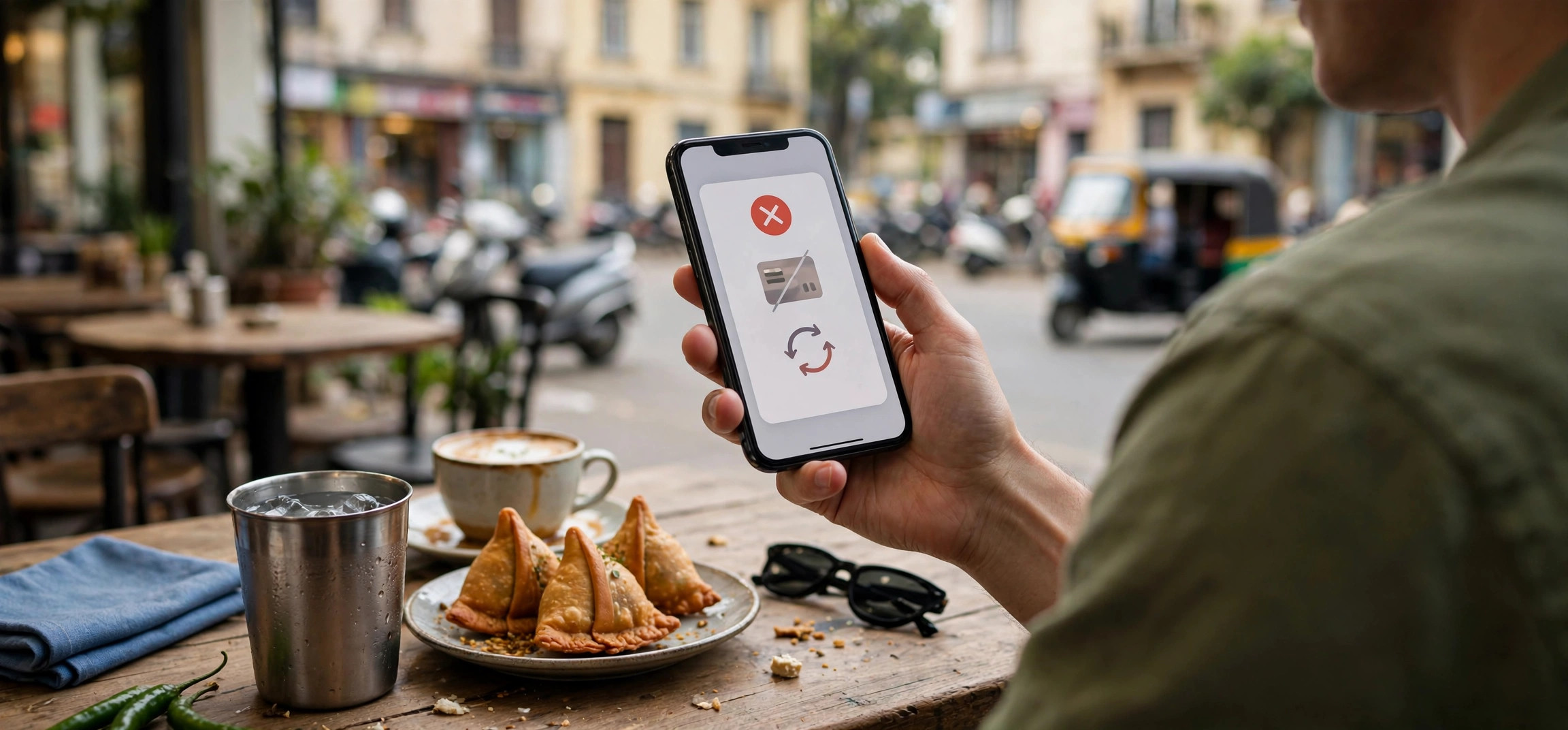
Set a Jio caller tune months ago and now tired of hearing it every time someone calls you? Or maybe you never set one but a promotional tune got activated somehow. Either way, learning how to deactivate Jio caller tune service is quick, free, and takes less than five minutes once you know the right method. Jio gives you several ways to turn it off — through the MyJio app, by SMS, or via the JioSaavn app where the tune was originally set.
In this 2026 guide, we cover all four working methods to deactivate Jio caller tune, explain how to confirm the deactivation actually worked, and troubleshoot the cases where the tune stubbornly keeps playing. We also answer whether deactivation costs anything (it doesn’t) and what happens to your callers after you switch it off.
In This Guide
- What Is Jio Caller Tune and Why Deactivate It?
- Before You Deactivate: 3 Things to Know
- How to Deactivate Jio Caller Tune: 4 Working Methods
- How to Confirm the Caller Tune Is Really Off
- Frequently Asked Questions
What Is Jio Caller Tune and Why Deactivate It?
A caller tune (Jio calls it JioTune) is the song or sound your callers hear instead of the standard ringing tone while they wait for you to pick up. Unlike a ringtone, which you hear, a caller tune is heard by the person calling you. Jio offers these tunes free with most plans, settable through the MyJio or JioSaavn apps.
People usually want to deactivate Jio caller tune for a few practical reasons: the novelty wore off, the current tune doesn’t suit a professional image, a tune was activated accidentally (or by a promotional offer), or they’d simply rather have the classic ring for callers. Whatever your reason, deactivation is free and reversible — you can always set a new tune later.
Before You Deactivate: 3 Things to Know
- It’s completely free. Both activating and deactivating Jio caller tunes costs nothing on Jio — there are no hidden charges for turning the service off. If anyone asks you to pay for deactivation, it’s a scam.
- Deactivation isn’t always instant. The change usually takes effect within a few minutes, but in some cases it can take up to 24 hours to propagate across the network. Don’t panic if the tune plays once more right after you deactivate.
- Your callers will hear the standard ring. After deactivation, callers hear the normal ringing tone again. Nothing else about your number or plan changes.
One more note: make sure you’re deactivating the tune on the correct number if you manage multiple Jio connections in the MyJio app. Each number’s caller tune is controlled separately.
How to Deactivate Jio Caller Tune: 4 Working Methods
Pick whichever method suits you — they all switch off the same JioTune service, so you only need one of them to work.
Method 1: The MyJio App (Easiest)
The MyJio app is the most reliable way to deactivate Jio caller tune because you can see the current tune and confirm the change visually. Make sure you’re logged in with the Jio number whose tune you want to remove.
- Open the MyJio app and log in with your Jio number and OTP if needed.
- Tap the menu (hamburger icon) or look for the JioTune section on the home screen.
- You’ll see your currently active caller tune with options to change or manage it.
- Look for the Deactivate or Stop JioTune option (wording varies slightly by app version).
- Confirm when prompted. You’ll typically receive an SMS confirming the deactivation request.
If you don’t see a JioTune section in your version of the app, update MyJio from the Play Store first — older versions sometimes hide or rename the menu. The tune management screen may also appear under a “Music” or “Value added services” heading depending on the update.
Method 2: SMS (No Internet Needed)
No smartphone data or app access? The SMS method to deactivate Jio caller tune works from any phone, including feature phones, and doesn’t need the internet.
- Open your messaging app on the Jio number with the active caller tune.
- Compose a new SMS with the text STOP.
- Send it to 56789 (Jio’s toll-free service number).
- You’ll receive a confirmation SMS acknowledging the deactivation request.
SMS charges don’t apply to toll-free service numbers like 56789, so this method is free. Keep the confirmation SMS until you’ve verified the tune is actually gone (see the confirmation section below). If you don’t get a confirmation within an hour or so, try once more — and if it still fails, move to one of the app methods.
Method 3: The JioSaavn App
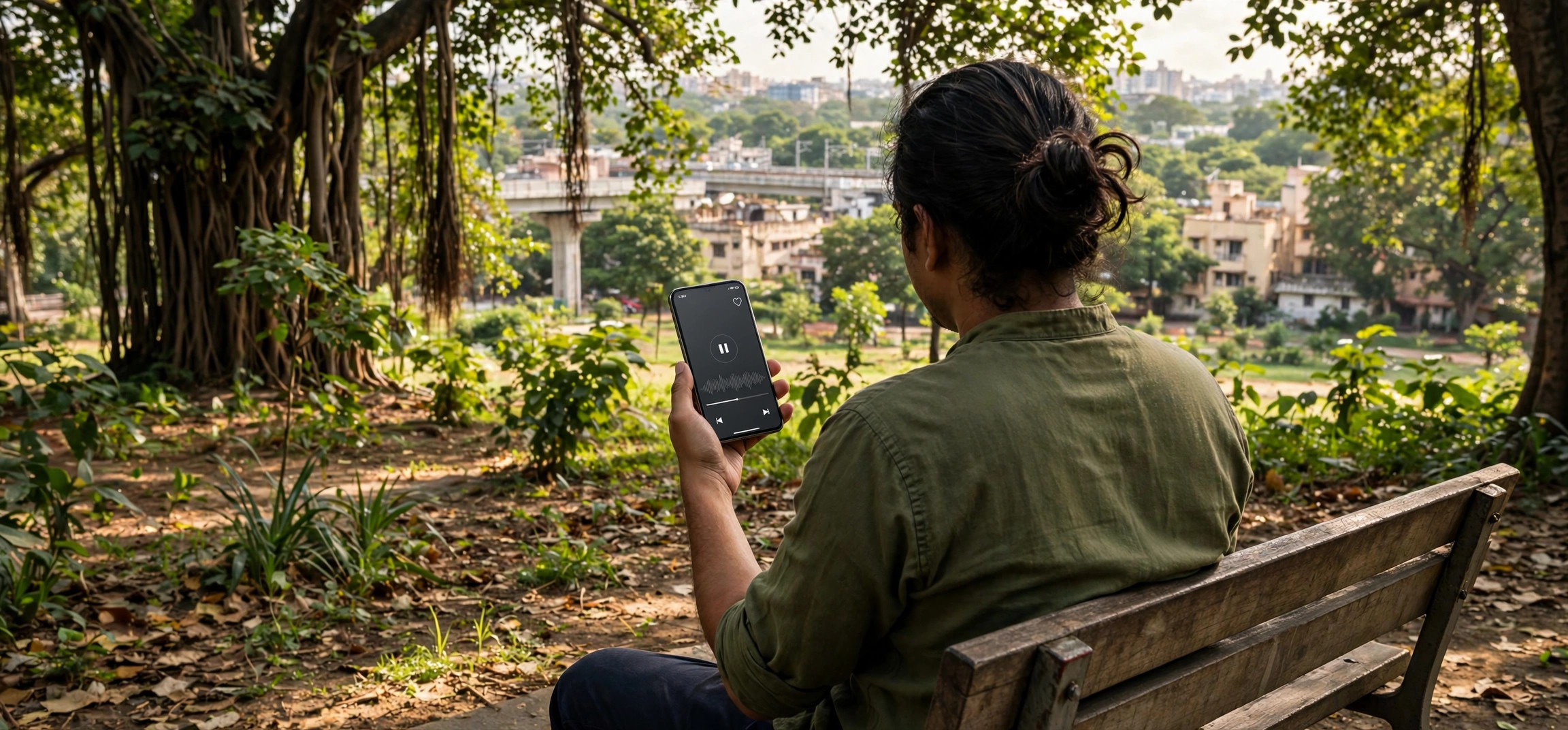
Many Jio caller tunes are set through JioSaavn, Jio’s music streaming app, and the tune can also be removed from there. This method is handy if you originally picked the tune while browsing songs in JioSaavn.
- Open the JioSaavn app logged in with the same Jio number.
- Go to your profile or settings section.
- Look for JioTune or Caller Tune settings — this shows your currently active tune.
- Select the option to deactivate or remove the current JioTune.
- Confirm, and wait for the confirmation message.
Note that the JioSaavn method manages the same underlying JioTune service as the MyJio app — you’re not dealing with a separate subscription. Deactivating in either app turns it off everywhere.
Method 4: Customer Care
If the app and SMS routes both fail — or you simply prefer talking to a human — Jio’s customer care can deactivate the caller tune from their side.
- Call 198 from your Jio number (toll-free) and follow the IVR to value-added services, or ask the agent directly to deactivate your caller tune.
- Alternatively, call 1800-889-9999 from any phone.
- You can also raise a request in the MyJio app under Help > Raise a request describing that you want the caller tune deactivated.
Have your Jio number ready and be prepared to verify your identity with an OTP. Ask the agent for a service request (SR) number so you can follow up if the tune doesn’t disappear within a day. For official support channels, see Jio’s official help portal.
Here’s a quick comparison to help you pick the right method:
| Method | Needs internet? | Speed | Best for |
|---|---|---|---|
| MyJio app | Yes | A few minutes | Most users — visual confirmation |
| SMS to 56789 | No | A few minutes | Feature phones, no data |
| JioSaavn app | Yes | A few minutes | If you set the tune via JioSaavn |
| Customer care (198) | No | Up to 24 hours | When other methods fail |
How to Confirm the Caller Tune Is Really Off
Don’t just trust the confirmation SMS — verify. The most reliable test is beautifully low-tech:
- Wait at least 15–30 minutes after deactivation (up to 24 hours in rare cases).
- Ask a friend or family member to call your Jio number, or call it from a second phone you own.
- Listen to what the caller hears: the standard ringing tone means success; your old song means the deactivation hasn’t propagated yet.
- Also check the MyJio app’s JioTune section — it should show no active tune.
What if the tune is still playing after 24 hours?
First, repeat the deactivation using a different method than the first attempt — if you used SMS, try the MyJio app, or vice versa. Second, restart your phone; this occasionally helps the network refresh your profile. If the tune persists beyond 48 hours, call 198 and raise it as a value-added-service fault with your original confirmation SMS or SR number as reference. Persistent tunes after proper deactivation are a provisioning glitch on Jio’s side, and support can clear them.
Managing other Jio settings? You may also find our guides useful: fixing the Jio SIM no service problem and Jio, Airtel, and Vi balance check USSD codes for 2026.
Frequently Asked Questions
Is it free to deactivate Jio caller tune?
Yes, completely free. Jio doesn’t charge for activating or deactivating caller tunes. The SMS to 56789 goes to a toll-free number, the app methods use only your data connection, and customer-care deactivation via 198 is a toll-free call. Never pay anyone who claims deactivation costs money.
How long does it take to deactivate Jio caller tune?
Usually a few minutes after you confirm. In some cases network propagation can take up to 24 hours. If callers still hear the tune after 48 hours, treat it as a fault and contact Jio support with your confirmation reference.
Can I set a new caller tune after deactivating?
Absolutely. Deactivation just removes the current tune and restores the standard ring — it doesn’t block you from setting a new JioTune later through the MyJio or JioSaavn app whenever you like.
What will callers hear after I deactivate Jio caller tune?
They’ll hear the normal ringing tone while waiting for you to answer, exactly as they would on a number that never had a caller tune. Nothing about your plan, number, or other services changes.
I never set a caller tune, but callers hear a song. What happened?
Tunes sometimes get activated through promotional offers, accidental taps in the JioSaavn app, or pre-configured settings on a new connection. The deactivation methods in this guide work regardless of how the tune got there — use the MyJio app method first so you can see what’s active.
I have two Jio numbers. Do I need to deactivate the tune on each?
Yes. Caller tunes are set per number, not per account. Log in to the MyJio app with each number separately (or switch profiles) and deactivate the tune on each one that has it.
Conclusion
To deactivate Jio caller tune free, the fastest route for most people is the MyJio app’s JioTune section, with the STOP-to-56789 SMS as the best no-internet fallback and JioSaavn as a convenient alternative if that’s where the tune came from. Verify with a test call after 30 minutes, allow up to 24 hours for full propagation, and escalate to 198 with your confirmation reference if the tune survives beyond 48 hours. Five minutes of effort, zero cost, and your callers are back to the classic ring.