If you have bought a phone recently, you have probably seen “eSIM” mentioned in the specs — and wondered: what is eSIM, how does it work in India? An eSIM is a digital SIM card built into your phone. It does everything a physical SIM does — connects you to Jio, Airtel, or Vi — but there is no tiny plastic chip to insert, lose, or swap.
In this guide, we explain eSIM in simple terms, how it works on Indian networks, which phones support it, how to activate one on each major carrier, and whether you should switch.
In this guide:
- What Is eSIM? How Does It Work in India?
- How eSIM Works Technically (Without the Jargon)
- eSIM vs Physical SIM: Honest Comparison
- Which Phones Support eSIM in India
- How to Activate eSIM on Jio, Airtel & Vi
- When eSIM Is Genuinely Useful
- Common eSIM Problems and Fixes
- Frequently Asked Questions
- Conclusion
What Is eSIM? How Does It Work in India?
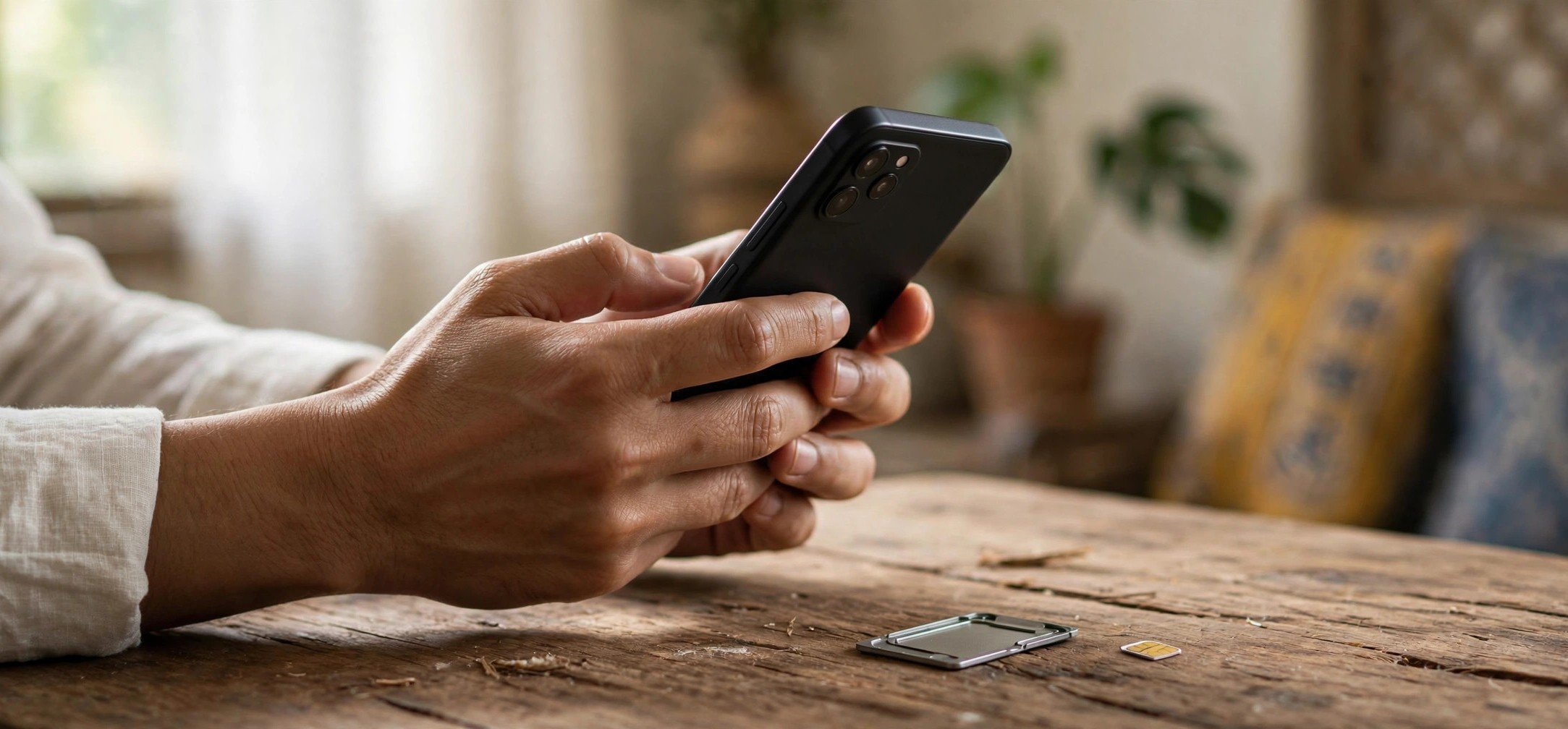
eSIM stands for “embedded SIM”. It is a small chip soldered directly onto your phone’s motherboard during manufacturing. Instead of inserting a physical SIM card, your carrier sends your mobile plan to this chip digitally — usually by having you scan a QR code or through your carrier’s app.
Think of it this way: a physical SIM is like a key you carry separately; an eSIM is like a lock that the carrier programs remotely. Your phone number, plan, and network identity live as software on the chip rather than on removable plastic.
All three major Indian carriers — Jio, Airtel, and Vi — support eSIM for both prepaid and postpaid customers. The facility has been available in India for several years now and the activation process has become steadily smoother.
What Stays the Same
- Your phone number does not change when you convert to eSIM
- Your plan, validity, and balance carry over exactly as they are
- Calls, SMS, OTPs, and mobile data all work identically
- UPI apps, WhatsApp, and banking OTPs are unaffected by the switch itself
How eSIM Works Technically (Without the Jargon)
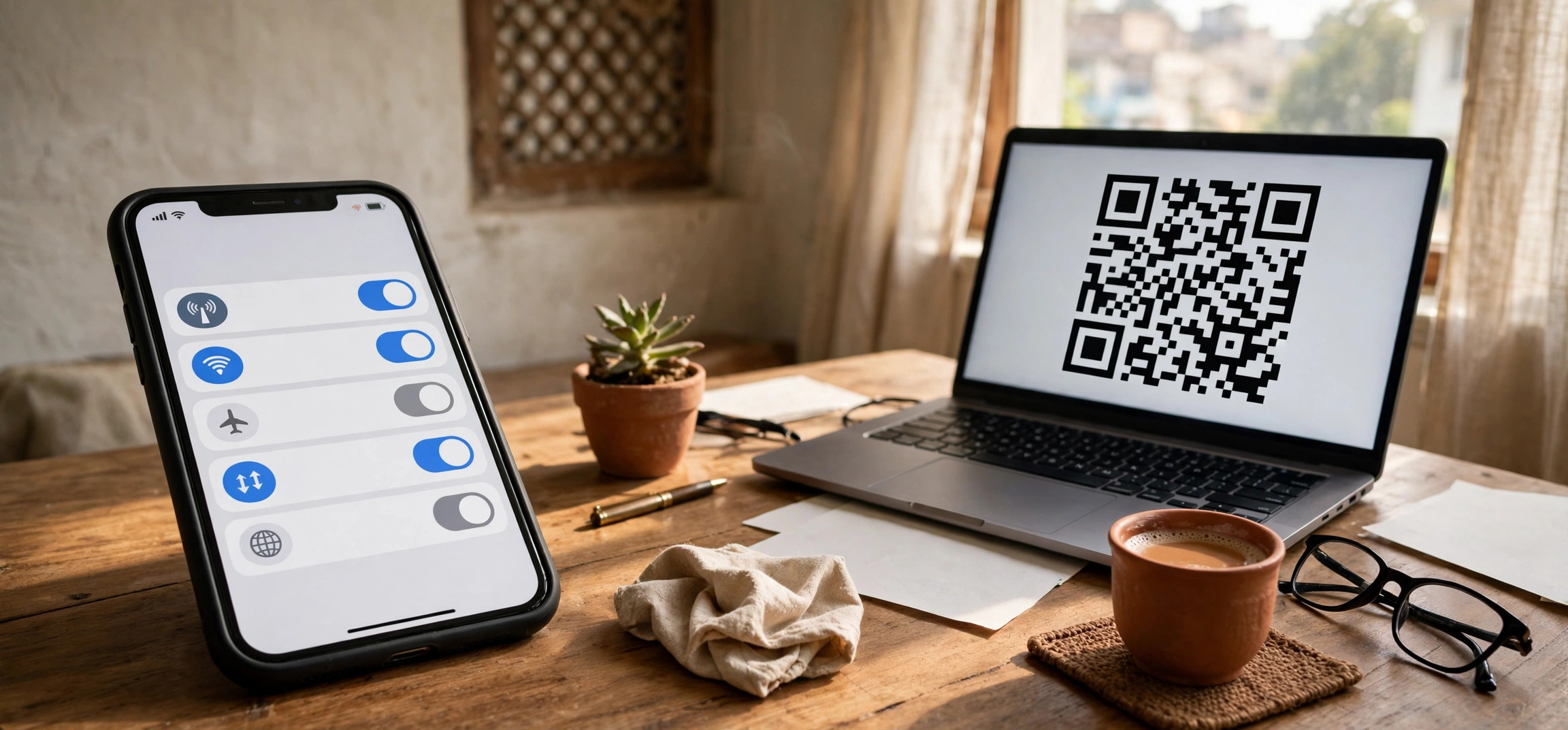
When you request an eSIM, your carrier generates a digital “profile” — a secure package containing your subscriber identity and network credentials. This profile is delivered to your phone either as a QR code you scan or through an in-app activation flow.
Your phone’s eSIM chip can store multiple profiles at once (typically 5 or more depending on the phone), though usually only one or two can be active at the same time. This is why eSIM is popular with travelers and dual-SIM users: you can keep your Indian number active while adding a travel plan for another country, then switch between them in settings.
Dual SIM With eSIM
Many Indian phones support one physical SIM plus one eSIM active simultaneously — this is the most common dual-SIM setup on iPhones and Pixels sold in India. Some newer phones support two active eSIMs. Check your phone’s specifications to see which combinations it allows.
Security Angle
Because an eSIM cannot be physically removed, a stolen phone cannot be disconnected from the network simply by pulling the SIM — the thief would need your phone’s passcode to disable it. This makes location tracking and remote wiping more reliable. It does not make the phone theft-proof, but it removes one easy step for thieves.
eSIM vs Physical SIM: Honest Comparison
| Factor | eSIM | Physical SIM |
|---|---|---|
| Setup | Scan QR code or use carrier app; no store visit needed | Requires a physical SIM card from store or delivery |
| Switching phones | Transfer via settings or get a new QR code | Move the card to the new phone |
| Multiple numbers | Store several profiles, switch in settings | Limited by physical SIM slots |
| Travel | Add local plans digitally before/during travel | Buy and swap physical local SIMs |
| Theft safety | Cannot be removed without unlocking phone | Can be pulled out in seconds |
| Phone damage/repair | eSIM chip is on the motherboard; board replacement may need re-activation | SIM survives independently of the phone |
| Compatibility | Only on eSIM-capable phones | Works on virtually every phone |
Neither is universally better. eSIM wins on convenience and flexibility; physical SIM wins on universality and simplicity of phone-switching. Many users keep one of each — a physical SIM for their primary number and eSIM for a secondary line or travel plan.
Which Phones Support eSIM in India
eSIM support is now common on mid-range and flagship phones, but it is not universal. Here is the general landscape:
Phones That Generally Support eSIM
- iPhones: iPhone XS and newer (including all recent models) support eSIM alongside a physical SIM
- Google Pixel: Pixel 3 and newer generally support eSIM
- Samsung: Galaxy S20 series and newer flagships, plus recent Z Fold/Flip models; some A-series models
- Motorola, Nothing, and others: An increasing number of recent models include eSIM
How to Check Your Phone
The reliable way to check is in your phone’s settings. On Android, look under Settings → Network/Mobile network for an “Add eSIM” or “+” option. On iPhone, go to Settings → Mobile Data/Cellular and look for “Add eSIM”. You can also dial *#06# — if an EID number appears alongside the IMEI, your phone has eSIM hardware. Model availability changes frequently, so confirm against your manufacturer’s official specs page for your exact variant.
How to Activate eSIM on Jio, Airtel & Vi
All three carriers let existing customers convert a physical SIM to eSIM, and new customers can often choose eSIM during signup. The exact steps vary and carriers update their processes periodically, so treat this as the general flow and confirm current steps in your carrier’s app or on their official website.
General Activation Flow (All Carriers)
- Check compatibility — confirm your phone supports eSIM and is connected to Wi-Fi.
- Request eSIM — through the carrier’s app (MyJio, Airtel Thanks, or Vi app), their website, or by visiting a store. Existing users typically find a “convert to eSIM” or “eSIM” option in the app.
- Verify identity — carriers require OTP verification on your registered number, and sometimes additional ID verification as per telecom regulations.
- Receive the QR code — usually by email, or the activation happens directly inside the carrier app.
- Scan and activate — on your phone, go to the eSIM setup screen, scan the QR code (or follow the in-app flow), and wait for activation. This typically completes within a couple of hours, though carriers may quote longer windows.
- Confirm service — once active, test with a call and mobile data. Your physical SIM for that number will stop working once the eSIM activates.
Carrier-Specific Notes
Jio: Jio supports eSIM for prepaid and postpaid users. The request flow is handled through the MyJio app and Jio’s official support channels. Jio has also supported eSIM on compatible smartwatches, letting the watch share your phone number.
Airtel: Airtel supports eSIM conversion for prepaid and postpaid customers, generally initiated through the Airtel Thanks app or Airtel’s website. Airtel also supports eSIM on select smartwatches.
Vi: Vi supports eSIM for its customers, with the request process available through Vi’s app, website, and stores. As with the others, the current steps are best confirmed in the Vi app since the flow is updated periodically.
For authoritative, up-to-date instructions, check the official support pages: Jio, Airtel and Vi. Carrier processes change, and the official page is the only source you should trust for current steps.
When eSIM Is Genuinely Useful
International travel: This is the killer use case. Buy a local data eSIM for your destination country before you fly, keep your Indian number active for OTPs, and avoid roaming charges. Your banking and UPI OTPs keep arriving on your Indian number while you use local data abroad.
Dual numbers without dual slots: If your phone has one physical slot plus eSIM, you effectively get dual-SIM functionality — for example, a Jio physical SIM for data and an Airtel eSIM for calls, or a work number alongside a personal one.
Quick secondary lines: Activating a second number for business, deliveries, or online selling is faster with eSIM — no waiting for SIM delivery or visiting a store.
Smartwatches: Cellular smartwatches from Apple and Samsung use eSIM to share your phone’s number, letting you take calls and stream music without carrying your phone.
Common eSIM Problems and Fixes
QR code expired or not working. eSIM QR codes are typically time-limited. If yours expired, request a fresh one through the carrier app rather than retrying the old code.
“No Service” after activation. Wait for the full activation window first. Then toggle airplane mode on and off, restart the phone, and check that the eSIM line is enabled under mobile network settings. If it persists beyond the stated activation time, contact carrier support.
Switching to a new phone. eSIMs do not transfer by moving a card. Most phones offer an eSIM transfer option during setup (iPhone-to-iPhone transfer is well supported; Android options vary by manufacturer). Otherwise, request a new eSIM QR code from your carrier for the new device — carriers generally allow this, sometimes with a small fee or free.
Phone sent for repair. If the motherboard is replaced, the eSIM profiles are lost and you will need fresh activation from your carrier. Keep your carrier app login handy for such situations.
Banking/UPI OTP issues after conversion. OTPs are tied to your number, not the SIM type, so they should work identically. If OTPs stop arriving after conversion, the usual fixes apply — check SMS permissions, DND settings, and network signal — the same troubleshooting as a physical SIM issue. If you are also having SIM detection problems, see our guide on fixing Jio SIM no-service problems.
Frequently Asked Questions
Is eSIM free in India?
Converting to eSIM is generally offered free or for a nominal charge by Jio, Airtel, and Vi, though policies can change. Your existing plan and balance are unaffected. Check your carrier’s app for the current terms before requesting.
Can I convert back from eSIM to physical SIM?
Yes. Carriers allow switching back to a physical SIM — you typically request it through the app or a store, complete verification, and receive a new physical SIM. Your number stays the same.
Does eSIM work on prepaid connections?
Yes. All three major carriers support eSIM on both prepaid and postpaid plans in India.
Will my WhatsApp work after switching to eSIM?
Yes. WhatsApp is tied to your phone number, which does not change. You do not need to re-verify WhatsApp after converting to eSIM on the same phone.
Can I use eSIM and physical SIM together?
On most eSIM-capable phones sold in India, yes — one physical SIM and one eSIM can be active simultaneously for dual-SIM use. Check your specific model’s specs for the exact supported combinations.
Is eSIM safe from SIM-swap fraud?
eSIM does not eliminate SIM-swap fraud, which targets the carrier’s verification process rather than the SIM type. Follow standard precautions: never share OTPs, be wary of phishing calls claiming to be from your carrier, and enable all available account security in your carrier’s app.
Conclusion
Understanding what eSIM is and how it works in India comes down to one idea: your SIM becomes software instead of plastic. For travelers, dual-number users, and anyone who values quick digital activation, eSIM on Jio, Airtel, or Vi is a genuine convenience upgrade. For everyone else, the physical SIM remains perfectly fine — there is no urgency to switch. If you do convert, use the carrier app flow, keep Wi-Fi on during activation, and test calls and data before considering it done. And if you are exploring more ways to improve your mobile experience, learn how to enable WiFi calling on Jio, Airtel, and Vi for better indoor call quality.