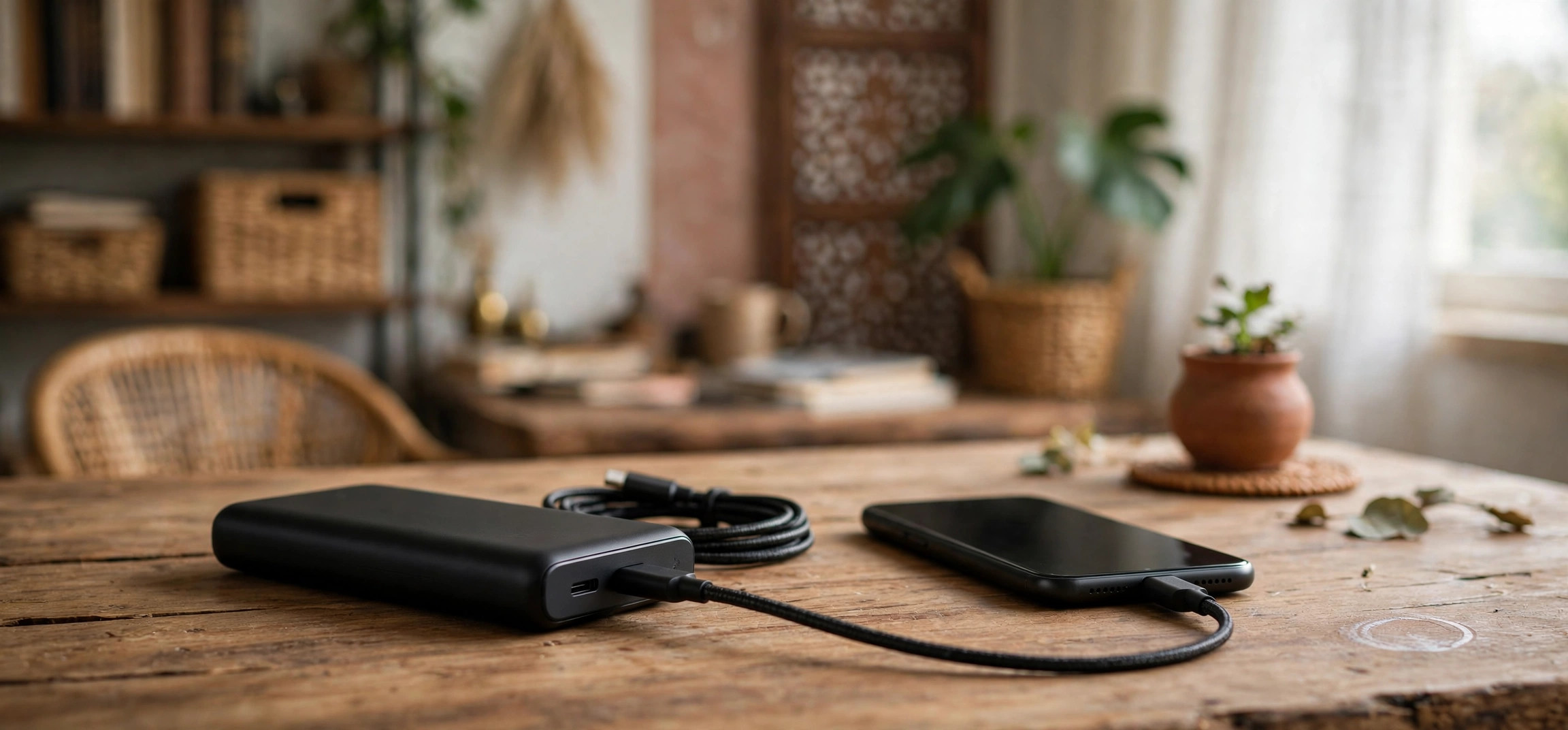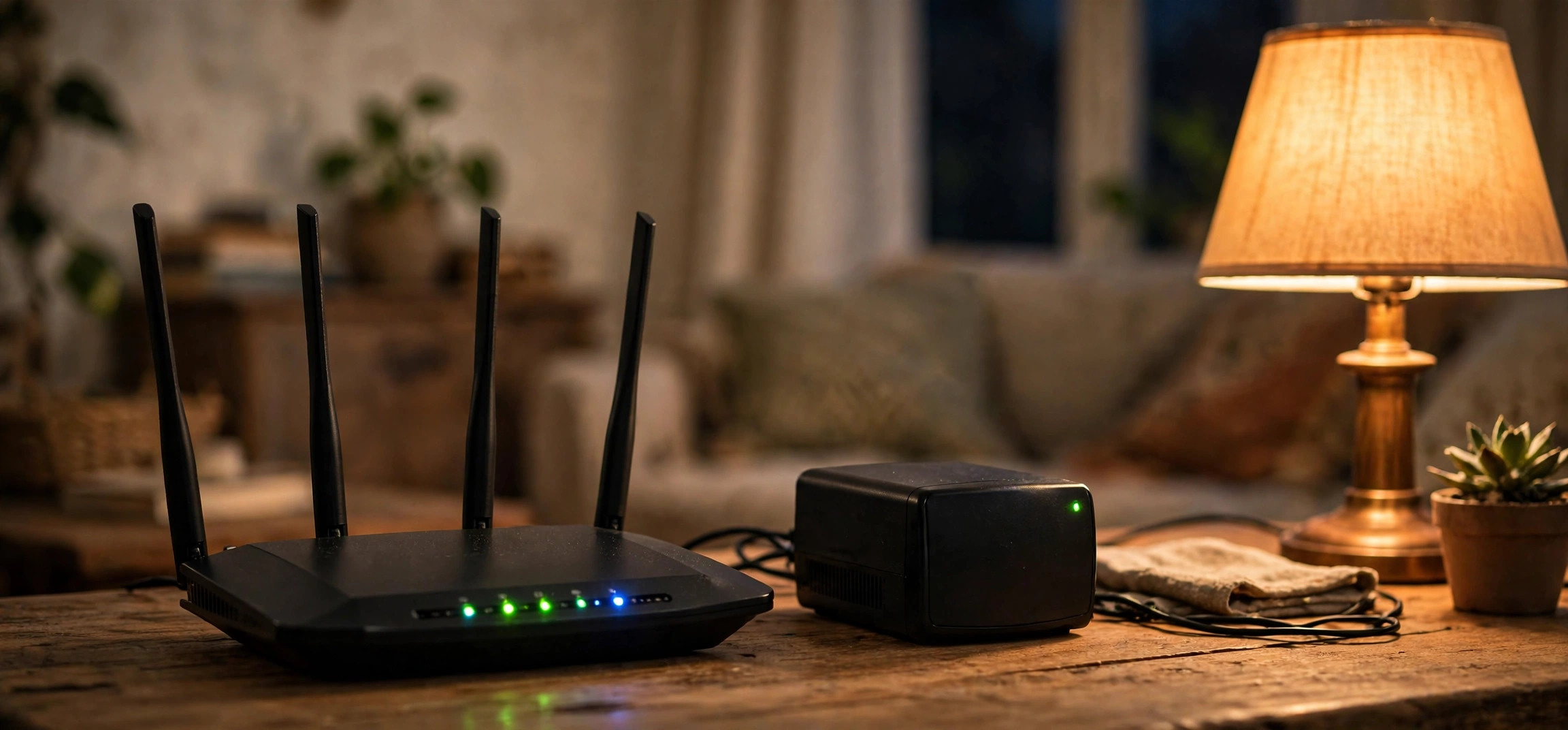
Nothing is more annoying than a power cut freezing your video call mid-sentence. The lights come back in a minute, but your WiFi router takes five more minutes to boot, reconnect to the fibre line, and settle down — by which time your meeting has moved on. If you are searching for the best UPS for WiFi router in India, the good news is that you do not need a bulky home inverter for this job. A small device called a mini UPS, roughly the size of a power bank, can keep your router and fibre ONT running for hours during an outage.
In this guide, we explain how router UPS units work, what to look for before buying, how much backup time you actually need, and the price bands you can expect in India. No fake reviews, no invented models — just practical buying advice so your internet survives the next power cut.
In this guide
- Why Your WiFi Router Needs a UPS in India
- How Does a Mini UPS for Router Actually Work?
- Best UPS for WiFi Router India: What to Look For Before Buying
- How Much Backup Time Do You Really Need?
- 12V vs 9V vs 5V: Getting the Voltage Right
- Setting Up Your Mini UPS the Right Way
- Common Mistakes to Avoid
- Frequently Asked Questions
Why Your WiFi Router Needs a UPS in India
Power cuts are a fact of life across much of India. Even in metros with relatively stable grids, scheduled maintenance, monsoon damage, and local transformer faults can knock out power for anywhere from a few minutes to a few hours. Your router is one of the first casualties — and one of the slowest to recover.
Here is the problem: a WiFi router is not like a light bulb. When power returns, the router has to boot its firmware, re-establish the connection with your ISP, and re-authenticate the fibre ONT (the small box your JioFiber, Airtel Xstream, or BSNL Bharat Fibre connection uses). This whole cycle typically takes three to seven minutes. If the power flickers on and off twice in ten minutes, you can easily lose twenty minutes of connectivity.
For anyone working from home, attending online classes, or trading in the stock market, that downtime is expensive. A mini UPS solves this cleanly: it sits between your wall socket and your router, and the moment mains power fails, it switches to its internal battery in milliseconds. Your router never notices the cut. Your video call, your download, and your smart home devices keep running as if nothing happened.
There is a second, less obvious benefit. Voltage fluctuations — common in many Indian localities — can slowly damage the router’s power adapter over time. A decent mini UPS provides a stable, regulated output, which acts as a buffer between dirty mains power and your networking gear. It is cheap insurance for a router that might have cost you two or three thousand rupees.
How Does a Mini UPS for Router Actually Work?
A mini UPS is essentially a small battery with intelligent switching circuitry, designed specifically for low-power DC devices like routers, fibre ONTs, and CCTV cameras. Unlike a big home inverter that converts battery DC to 230V AC (and then your router adapter converts it back to DC — wasteful), a mini UPS works directly in DC. That makes it far more efficient for this one job.
The working is simple. You plug the mini UPS into your wall socket, and you plug your router’s power cable into the UPS instead of directly into the wall. While mains power is available, the UPS passes power through to the router and simultaneously charges its internal lithium battery. When the mains fail, the internal circuitry switches to battery power almost instantly — usually in under 10 milliseconds, far faster than your router needs to stay alive.
Most mini UPS units sold in India have a multi-voltage output selector. A typical unit can output 12V, 9V, or 5V through a DC barrel connector, which covers nearly every router and ONT on the market. Some also include a USB port for charging a phone in an emergency. Battery capacities vary, but a well-designed unit can power a standard router plus ONT for roughly three to six hours, depending on the power draw of your specific devices.
Well-known brands in this space include Zinq, Oakter, Artis, Cuzor, and Portronics, among others. Rather than chasing a specific model, focus on the specifications in the checklist below — the category is fairly standardised, and the specs matter more than the logo.
Best UPS for WiFi Router India: What to Look For Before Buying
When comparing options for the best UPS for WiFi router in India, run every product through this checklist. If a listing cannot answer these questions clearly, move on.
Backup time rating
Manufacturers usually quote backup time as a range, such as “up to 4 hours.” Treat the lower end of any range as the realistic figure, because backup time depends on how much power your router and ONT draw. A basic single-band router sips power; a high-end dual-band router with USB ports draws more. Look for units rated for at least 3–4 hours with a typical router + ONT load.
Voltage options (12V / 9V / 5V)
Check the sticker on your router’s power adapter — it will say something like “Output: 12V ⎓ 1A.” Your mini UPS must support that exact voltage. Multi-output units with a selector switch are the safest buy because they cover 12V routers, 9V ONTs, and 5V devices alike. Buying a fixed 12V-only unit when your ONT needs 9V is a common and avoidable mistake.
Power capacity and dual output
If you are on a fibre connection, you need to power two devices during an outage: the router and the ONT. Some mini UPS units have a single DC output; better ones have two outputs or a splitter cable so both devices stay alive. Powering only the router while the ONT dies is pointless — your WiFi will be up, but there will be no internet behind it.
Battery type and safety protections
Look for lithium-ion or lithium-polymer cells from a reputable cell maker, plus built-in protections: overcharge, over-discharge, short-circuit, and surge protection. A BIS-certified product is preferable. Avoid no-name units with no safety certifications — a cheap battery sitting plugged in 24×7 next to your curtains is not where you want to cut corners.
Charging time and pass-through
A good mini UPS recharges fully in roughly 2–3 hours once power returns. Also confirm it supports pass-through charging, meaning it can power your router while its own battery charges. Nearly all modern units do, but it is worth confirming on the product page.
Price bands in India
Mini UPS units in India typically fall into three bands. Budget units (around ₹1,200–₹1,800) offer basic single-output backup of 2–3 hours. Mid-range units (around ₹1,800–₹2,800) add dual outputs, multi-voltage selection, and 4+ hours of backup — this is the sweet spot for most homes. Premium units (₹2,800 and above) offer higher capacity, better build quality, and sometimes USB fast-charging ports. Prices fluctuate with sales, so treat these as typical ranges rather than fixed figures.
Mini UPS vs the alternatives
| Option | Typical backup | Pros | Cons |
|---|---|---|---|
| Mini UPS | 3–6 hours | Compact, efficient, instant switchover, cheap | Powers only small DC devices |
| Home inverter + battery | 4–8 hours | Runs the whole house | Expensive, bulky, AC-DC conversion losses for routers |
| Power bank with DC output | 2–4 hours | You may already own one | Usually single voltage; not designed for 24×7 use |
| Small desktop UPS (600VA) | 15–30 min | Works with any router adapter | Short backup, bulky, battery needs replacement every 2–3 years |
For the specific job of keeping a router alive, the mini UPS wins on every practical measure: it is cheaper, smaller, more efficient, and lasts longer per rupee than any alternative.
How Much Backup Time Do You Really Need?
Backup time is the headline specification, but more is not always better — it is about matching your reality. Start by thinking about the power cuts in your area. In most Indian cities, the typical outage pattern is short: 15 minutes to an hour, caused by local faults or load shedding. In some areas, especially during monsoon, cuts can stretch to 3–4 hours.
A good rule of thumb: buy a unit rated for at least double your area’s typical outage length. If your cuts are usually under an hour, a 3–4 hour rated unit gives you comfortable headroom. If you regularly face 2–3 hour cuts, look at the higher-capacity end of the range. Remember that the quoted backup figure assumes a standard router; if you also power the ONT from the same unit (which you should on fibre), the real backup time will be somewhat lower than the headline number.
There is also a subtle point about battery health. Lithium batteries last longest when they are not routinely drained to zero. A unit rated for 5 hours that only ever dips to 50% during your typical one-hour cuts will keep its battery healthy for years. A barely-adequate unit that drains fully every week will degrade faster. Buying slightly more capacity than you need is genuinely good value here, not upselling.
One more consideration: some households lose power but keep mobile data as a fallback via hotspot. If that describes you, you might need less router backup. But hotspots drain phone batteries fast and struggle with video calls — for a proper work-from-home setup, the mini UPS remains the more reliable answer. And if you use Wi-Fi calling on Jio, Airtel or Vi, keeping the router alive during a power cut also keeps your calls from dropping.
12V vs 9V vs 5V: Getting the Voltage Right
This is the single most important technical detail, and also the one buyers get wrong most often. Every router and ONT has a required input voltage, printed on its power adapter or on a sticker on the device itself. The three common values are 12V (most routers), 9V (many fibre ONTs and some routers), and 5V (USB-powered travel routers and some cameras).
Using the wrong voltage can cause real damage. Too low, and the device will not boot or will behave erratically. Too high, and you risk frying the device permanently. This is why a multi-voltage mini UPS with a clearly labelled selector switch is the safest choice — you set it once to match your device and forget about it.
Here is the practical process. First, unplug your router’s adapter and read its output rating — for example, “12V ⎓ 1.5A.” Second, do the same for your ONT if you have fibre. Third, buy a mini UPS that supports both voltages (a dual-output or 12V+9V unit), or two separate outputs via a splitter. Fourth, set the voltage before connecting the device, and double-check the selector has not been bumped during installation.
Also check the connector size. Most routers use a standard 5.5mm x 2.1mm DC barrel jack, and most mini UPS units ship with an assortment of adapter tips. If your router uses an unusual connector, confirm compatibility with the seller before ordering — a unit with the wrong plug is useless no matter how good its battery is.
Setting Up Your Mini UPS the Right Way
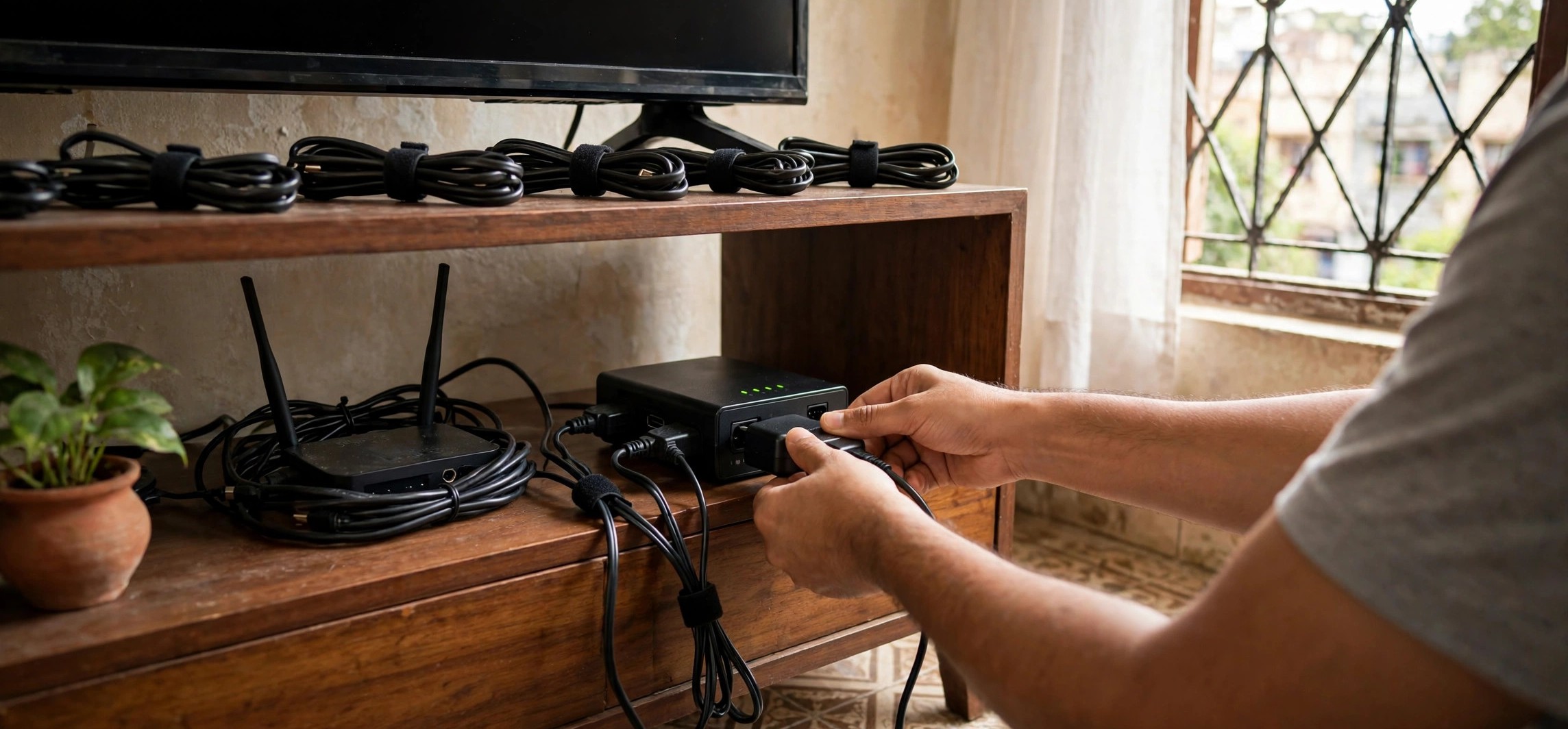
Installation takes about ten minutes and needs no tools. Place the mini UPS near your router, ideally in a ventilated spot away from direct sunlight. Plug the UPS into the wall socket, set the correct output voltage, connect the DC cable from the UPS to your router (and ONT, if applicable), and switch everything on. Let the UPS charge fully the first time before relying on it — most units indicate a full charge with a steady green LED.
Do a test run within the first week: unplug the UPS from the wall and confirm your router stays online. Time how long it lasts if you can — this gives you a real baseline for your specific devices, which is more useful than any manufacturer claim. Then plug the mains back in and let it recharge.
A few placement tips help longevity. Keep the unit off the floor where dust accumulates, and away from heat sources like set-top boxes. Cable clutter around the router is normal, but try to keep the UPS’s vents unobstructed. If your router sits on a high shelf, make sure the UPS is stable and will not be yanked down by cable tension — these units are light.
Finally, think about what else dies in a power cut. Your router staying up is only half the story if your laptop battery is at 5%. A power bank for your phone and a charged laptop cover the rest of the work-from-home chain. And if your router itself is old or underpowered for your plan, consider upgrading to the best WiFi router under ₹2000 for your 100 Mbps connection — a UPS cannot fix a router that was already struggling.
Common Mistakes to Avoid
The most frequent mistake is buying a UPS that only powers the router while forgetting the fibre ONT. On any fibre connection — JioFiber, Airtel Xstream Fiber, BSNL Bharat Fibre — the ONT is the device that actually talks to your ISP. No ONT, no internet, no matter how happily your router’s WiFi light blinks. Always budget outputs for both devices.
The second mistake is mismatching voltage, covered in detail above. The third is buying on backup-time claims alone without checking the battery capacity in watt-hours (Wh). Two units can both claim “4 hours” while having very different real capacities — the Wh figure is the honest number.
Fourth, do not confuse a mini UPS with a regular power bank. Some power banks have a DC output and can technically run a router, but they are not designed for 24×7 plugged-in operation, and many cut output briefly when switching between charging and discharging — exactly the interruption you are trying to avoid. A purpose-built mini UPS has seamless switchover circuitry; a power bank usually does not.
Fifth, beware of listings with no brand, no certifications, and stock photos. The mini UPS category has its share of fly-by-night sellers. Prefer established brands, check that the product page lists real specifications (voltage options, capacity in Wh, charging time), and read the 2-star and 3-star reviews — they usually describe the real-world backup time honestly.
Frequently Asked Questions
Can a mini UPS power both my router and the fibre ONT?
Yes, provided the unit has dual DC outputs or supports a splitter cable, and the total power draw is within its rating. This is the recommended setup for JioFiber, Airtel Xstream, and BSNL fibre users — powering only the router while the ONT dies leaves you with WiFi but no internet.
Will a router UPS work with JioFiber, Airtel Xstream, and BSNL connections?
Yes. A mini UPS is ISP-agnostic — it simply provides clean DC power to whatever devices you connect. The only thing that matters is matching the voltage (usually 12V for the router, 9V or 12V for the ONT) and the connector size. The brand of your broadband connection is irrelevant.
How long does a mini UPS take to recharge after a power cut?
Most units recharge fully in about 2–3 hours once mains power returns, while simultaneously powering your router through pass-through charging. If your area has frequent short cuts, the battery typically stays near full and tops up quickly between outages.
Is it safe to keep the mini UPS plugged in 24×7?
Yes — that is exactly how it is designed to be used. Quality units have overcharge protection that stops charging once the battery is full. Keep it in a ventilated spot, use a unit from a reputable brand with safety certifications, and it can stay connected permanently, just like your router itself.
Can I use a power bank instead of a UPS for my router?
Technically sometimes, practically it is a poor substitute. Most power banks output only 5V over USB (wrong for 12V routers), and many briefly interrupt output when mains power returns — the exact dropout you are trying to prevent. A few power banks have 12V DC output, but they lack the seamless switchover circuitry of a purpose-built mini UPS. For 24×7 reliability, buy the real thing.
How long do mini UPS batteries last before needing replacement?
With typical use, the lithium battery in a quality mini UPS lasts around 2–4 years before its capacity noticeably degrades. Units that are rarely deep-discharged last longer. Some models have replaceable battery packs; on others, the whole unit is replaced. Factor this lifespan into the value calculation when comparing prices.
To sum up: the best UPS for WiFi router in India is not the biggest or the most expensive — it is the one that matches your router’s voltage, covers both router and ONT, and delivers honest backup time from a reputable brand. For most Indian homes, a mid-range multi-voltage mini UPS hits the sweet spot of price, backup, and reliability. Set it up once, test it once, and then forget about it — until the next power cut, when you will be the only person on the video call who does not freeze.
For broader background on how uninterruptible power supplies work, see the overview of UPS technology on Wikipedia.