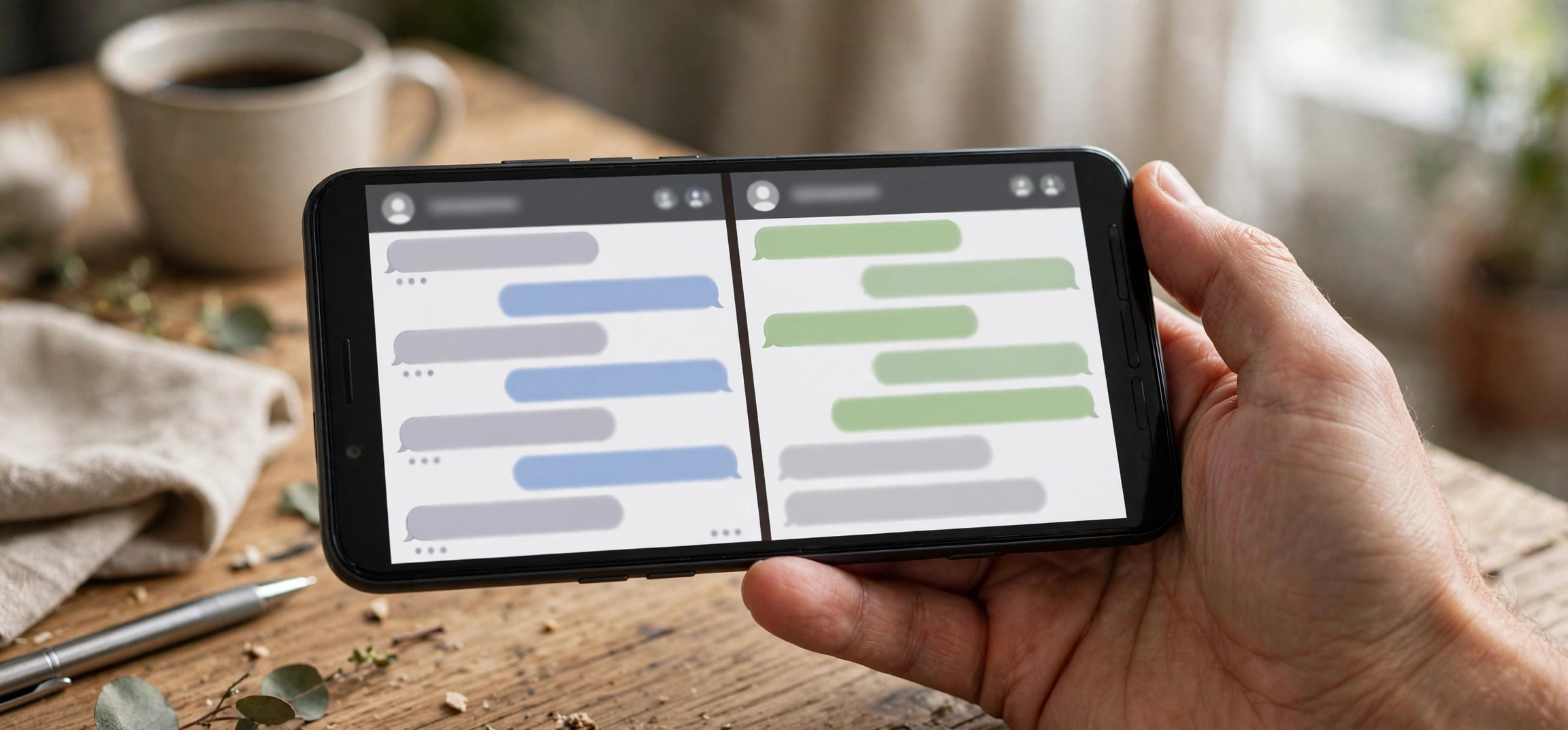
How to Check If Someone Blocked You on WhatsApp: 6 Signs
Wondering how to check if someone blocked you on WhatsApp? WhatsApp deliberately never tells you outright when you have been blocked; there is no notification, no warning, and no “blocked” label anywhere in the app. Instead, you have to read the signs. This guide covers the six most reliable indicators, how to test them without jumping to conclusions, and what to do when several signs point the same way.
- Why WhatsApp Never Confirms a Block
- Sign 1: You Can’t See Their Last Seen or Online Status
- Sign 2: Their Profile Photo Disappeared or Never Updates
- Sign 3: Your Messages Only Ever Show One Tick
- Sign 4: Calls Never Connect
- Sign 5: You Can’t Add Them to a Group
- Sign 6: Their Status Updates Vanished
- How to Confirm Without Guessing
- False Positives: When It Looks Like a Block But Isn’t
- What to Do If You’ve Been Blocked
- FAQs
- Conclusion
Why WhatsApp Never Confirms a Block
WhatsApp’s privacy design intentionally keeps blocking ambiguous. The company has stated that it does this to protect the privacy of the person doing the blocking; a confirmed “you are blocked” notice could provoke confrontation or harassment. The side effect is uncertainty for everyone else. Every sign in this article is therefore circumstantial on its own. The reliable approach is to look for several signs together, because one missing indicator can have an innocent explanation, but four or five together rarely do.
It also helps to understand what blocking actually does on WhatsApp. When someone blocks you, they stop receiving your messages, calls, and status updates. Your messages to them sit at a single tick forever. They disappear from your view in specific ways: no last seen, no online indicator, and no profile photo updates. Your existing chat history with them stays on your phone, but nothing new gets through.
Sign 1: You Can’t See Their Last Seen or Online Status
Open the chat with the person and look under their name at the top. Normally you will see “last seen today at 3:42 PM”, “online”, or “typing…”. If that line is completely blank, it is the first classic sign of a block.
On its own, though, this proves nothing. Anyone can hide their last seen in Settings > Privacy > Last seen and online, and many people set it to “Nobody” or “My contacts” for privacy. If you are not in their contacts, you would see a blank line even without a block. Treat this as a supporting clue, not a verdict. If you have recently been able to see their last seen and it suddenly vanished at the same time as the other signs below, it carries much more weight.
Sign 2: Their Profile Photo Disappeared or Never Updates
The second sign is the profile photo. If the person’s picture suddenly reverts to the default gray avatar, or a photo you know they changed never updates on your end, that suggests a block. When you are blocked, WhatsApp stops showing you the person’s current profile photo.
Again, there is an innocent explanation: in Settings > Privacy > Profile photo, anyone can restrict visibility to “My contacts” or “Nobody”. If they removed you from their contacts, or tightened their privacy settings, the photo would vanish for you without any block. What makes this sign meaningful is timing. A photo that disappears abruptly, right when messages stop delivering and last seen goes blank, is a strong combined signal. If you run two WhatsApp accounts on one phone, you can also check from the second account, but only do this if the second number is legitimately yours and the person would recognize it.
Sign 3: Your Messages Only Ever Show One Tick
This is the most telling technical sign. WhatsApp’s tick system works like this: one gray tick means the message left your phone and reached WhatsApp’s servers; two gray ticks mean it was delivered to the recipient’s device; two blue ticks mean it was read. When you are blocked, your messages freeze at one tick permanently. They are never delivered, because the recipient’s app refuses them.
To test this properly, send a normal text message and wait. A message stuck on one tick for a few hours could just mean the person’s phone is off, they have no signal, or they uninstalled WhatsApp. A message stuck on one tick for several days, especially to someone who is normally reachable, is far more suspicious. Do not rely on a message sent minutes ago; give it at least 24 to 48 hours before drawing conclusions.
Note that this test says nothing about group messages. If you share a group with the person, your messages there will still show delivery ticks from other members, and the blocked person simply will not see messages you send in any chat.
Sign 4: Calls Never Connect
Try placing a WhatsApp voice call to the person. When you are blocked, the call will ring on your end but never actually connect; it typically rings for a while and then ends, or fails immediately. You will never hear them pick up, because the call never reaches their phone.
As with messages, a single failed call proves little. The person might be in a no-signal area, on a flight, or have Do Not Disturb on. But repeated calls over several days that never connect, combined with permanently single-tick messages, form a consistent picture. Do not spam-call someone to test this; two or three attempts spaced out over a couple of days are enough, and repeated calling after a suspected block can itself be reported as harassment.
Sign 5: You Can’t Add Them to a Group
This is the closest thing WhatsApp has to a definitive test. Create a new group, or open an existing group where you are an admin, and try to add the person. If you are blocked, WhatsApp will refuse with an error like “Couldn’t add [name]” or “You are not authorized to add this contact.”
This test is strong because it comes straight from WhatsApp’s servers rather than from something the person could have changed in privacy settings. Privacy settings can hide last seen and profile photos, but they cannot make the “couldn’t add” error appear; only a block (or the person having deleted their account) does that. If you want one test to trust above the others, this is it. Just be discreet: create a test group with a neutral name rather than adding them to a group full of mutual friends, which announces what you are doing.
Sign 6: Their Status Updates Vanished
Tap the Updates tab and check whether the person’s status updates still appear. When someone blocks you, you stop seeing their status updates entirely, including any they post after the block. If a person who posted statuses regularly goes completely silent on your Updates tab for weeks, that is another supporting sign.
The innocent explanation here is status privacy: in the status composer, anyone can choose “My contacts except…” and exclude specific people. So a vanished status feed could mean you were excluded from their audience rather than blocked outright. Either way, it indicates the person has deliberately limited what you can see, which is useful context alongside the other signs.
How to Confirm Without Guessing
No single sign is conclusive, so work through them as a checklist. The more boxes you tick, the more certain you can be:
- Last seen and online status: blank under their name.
- Profile photo: reverted to the default avatar or frozen on an old image.
- Messages: stuck on one gray tick for 48+ hours.
- Calls: never connect over multiple attempts on different days.
- Group add: WhatsApp refuses with “Couldn’t add”.
- Status updates: completely absent for an extended period.
If you tick four or more, you have almost certainly been blocked. The group-add test (sign 5) plus permanently single-tick messages (sign 3) together are about as close to confirmation as WhatsApp allows. Two or fewer signs, especially without the group-add failure, usually point to privacy settings, a changed number, or a phone that is simply offline.
One legitimate cross-check: ask a mutual friend whether they can see the person’s profile photo, last seen, and status. If the mutual friend sees everything normally while you see nothing, that rules out the “they deleted their account” or “they changed privacy for everyone” explanations. Do this sparingly and tactfully; dragging friends into it tends to make things worse.
False Positives: When It Looks Like a Block But Isn’t
Several situations mimic blocking almost perfectly. Run through these before concluding anything:
- They changed their number. If the person got a new number without telling you, the old chat goes silent in exactly the blocked pattern: no last seen, no photo updates, single ticks. Check whether they announced a number change in a group you share.
- They deleted or deactivated WhatsApp. A deleted account shows no photo, no last seen, and no status, and messages never deliver. The difference is that a deleted account eventually disappears from your contacts’ WhatsApp entirely.
- Their phone is lost, broken, or off for days. Extended travel, a dead phone, or a long digital detox produces single ticks and silence without any block.
- You were removed from their contacts. If they deleted your number and set last-seen and photo visibility to “My contacts”, you lose visibility without being blocked. In this case, though, your messages would still deliver (two ticks), which is the key difference.
- Notification and connectivity issues on your end. Before assuming the worst, make sure your own app is working. If your Android notifications are delayed or not showing, you might be missing replies that actually arrived.
What to Do If You’ve Been Blocked
First, respect it. A block is a clear boundary, and trying to evade it usually backfires. Do not create new accounts to message the person, do not ask strangers to message them for you, and do not use the group-add trick repeatedly; WhatsApp can restrict accounts that show patterns of harassment, and the person can report you.
If the relationship matters and the block seems like a misunderstanding, use a different channel. A calm SMS, an email, or a conversation in person gives the other person space to respond on their terms. Keep it brief and non-confrontational: say what you want to clear up, and leave the next move to them.
If the block came with threatening or abusive behavior before it, save evidence first. Screenshot the chat history, including dates, before anything else. You can report the contact inside WhatsApp by opening the chat, tapping their name, and scrolling to Report. For persistent harassment, including spam calls that follow you off WhatsApp, your phone’s built-in blocking and your carrier’s spam tools are the next layer of defense.
Finally, consider the practical cleanup. You can delete the chat, archive it, or leave it in place; blocking does not delete your message history. If you share groups with the person, you will still see their messages there unless you leave those groups, and they will see yours. Muting those groups is often the least dramatic option.
FAQs
Does WhatsApp notify you when someone blocks you?
No. WhatsApp never sends a notification, email, or in-app message telling you that you have been blocked. The app is designed to keep blocking private, so you can only infer it from the signs described above: missing last seen, frozen single ticks, failed calls, the group-add error, and vanished status updates.
Can I still see old messages after being blocked?
Yes. Blocking does not delete your existing chat history. Every message exchanged before the block stays on your phone exactly as it was, including photos and voice notes. Only new messages are affected; they will sit at one tick and never be delivered.
If I block someone, can they still see my profile photo?
When you block someone, they stop seeing updates to your profile photo, and in most cases the photo reverts to the default avatar on their end. They also lose your last seen and online status, cannot call you, cannot add you to groups, and stop seeing your status updates. Unblocking restores visibility going forward, but messages they sent while blocked are never delivered.
Does one tick always mean I’m blocked?
No. A single gray tick only means the message has not been delivered to the recipient’s device yet. The most common causes are a phone that is switched off, airplane mode, no internet connection, or an uninstalled app. Only when a message stays on one tick for several days, combined with the other signs, does blocking become the likely explanation.
Can a blocked person see my status updates?
No. A blocked contact cannot see your status updates, and you cannot see theirs. Note that status privacy settings are separate from blocking: you can also hide statuses from specific people without blocking them, via the “My contacts except…” option in the status privacy settings.
Will blocking remove me from their contacts?
No. Blocking someone on WhatsApp does not delete them from your phone’s contact list, and being blocked does not remove the person from yours. The block only controls what the two accounts can see and send to each other inside WhatsApp. Your phone contacts remain untouched either way.
Conclusion
Figuring out how to check if someone blocked you on WhatsApp comes down to reading the pattern, not any single clue. A blank last seen, a vanished profile photo, messages frozen on one tick, calls that never connect, the “couldn’t add” group error, and silent status updates each mean little alone, but together they tell a clear story. Rule out the innocent explanations first, use the group-add test as your strongest check, and if the signs confirm a block, respect the boundary and reach out through another channel only if the relationship genuinely warrants it.