Knowing how to check if a used iPhone is stolen before buying can save you from losing hundreds of dollars on a device that gets remotely locked weeks after you pay for it. A stolen iPhone tied to someone else’s Apple ID can become completely unusable thanks to Activation Lock — and no receipt or excuse from the seller will unlock it. The good news is that a few careful checks, done before money changes hands, catch the vast majority of problem devices.
This guide walks you through every verification step in order: checking the IMEI and serial number, confirming Activation Lock is off, testing the phone in person, spotting red flags in the seller and the price, and knowing exactly what to do if a check fails. Whether you are buying from a marketplace, a local seller, or a refurbished-phone shop, run these checks every single time.
Table of Contents
- Why a Stolen iPhone Is Worse Than a Broken One
- Step 1: Get the IMEI and Serial Number
- Step 2: Verify Activation Lock Is Turned Off
- Step 3: Check the Serial Number With Apple
- Step 4: Run the IMEI Through Stolen-Phone Databases
- Step 5: Inspect the Phone in Person
- Step 6: Test Every Function Before Paying
- Step 7: Vet the Seller and the Deal
- Step 8: Pay Safely and Get Proof
- What to Do If a Check Fails
- Frequently Asked Questions
- Conclusion
Why a Stolen iPhone Is Worse Than a Broken One
A broken iPhone can be repaired. A stolen iPhone often cannot be used at all. Apple’s Activation Lock ties every iPhone to its owner’s Apple ID. If the previous owner does not sign out before selling, the phone will demand their Apple ID and password during setup — credentials you will never have. Apple will not remove Activation Lock without proof that you are the original owner, and a second-hand buyer almost never qualifies.
Carriers add a second layer of risk: a phone reported stolen can have its IMEI blacklisted, blocking it from cellular networks permanently. The device might work fine on Wi-Fi during your test and then lose all mobile service later. Buying a blacklisted or Activation-Locked iPhone means you paid full price for an expensive iPod touch — or a paperweight. That is why verification before payment is not optional.
Step 1: Get the IMEI and Serial Number
Every iPhone has a unique IMEI (International Mobile Equipment Identity) and serial number. These are the keys to every database check you will run. Ask the seller for both before you meet — a legitimate seller provides them without hesitation, and refusal is itself a red flag.
You can find them in three places, and you should confirm they all match: in Settings under General > About, on the SIM tray (on models that have one), and on the original box if the seller still has it. Dialing *#06# also displays the IMEI instantly. If the IMEI in Settings does not match the one engraved on the tray, the phone has had parts swapped or worse — walk away. Write both numbers down; you will need them for the checks below.
Step 2: Verify Activation Lock Is Turned Off
Activation Lock is the single most important check. Apple used to offer a public web tool for this, but it was discontinued — the reliable method now is checking on the device itself. Ask the seller to completely erase the phone in front of you (Settings > General > Transfer or Reset iPhone > Erase All Content and Settings), then watch the setup process.
If the phone asks for a previous owner’s Apple ID during setup, Activation Lock is still on and the seller must remove it — this requires them to sign in with their own Apple ID or remove the device from their iCloud account at iCloud.com. Do not accept promises to “do it later.” The removal must happen before you pay, while you are watching. Apple’s own support documentation explains how Activation Lock works and how the rightful owner removes it (support.apple.com).
Step 3: Check the Serial Number With Apple
Enter the serial number on Apple’s Check Coverage page (checkcoverage.apple.com). This confirms the device is a genuine Apple product, shows its model and warranty status, and tells you whether it is still covered. A serial number that Apple does not recognize means the phone is counterfeit or the number was altered — either way, do not buy it.
Pay attention to what the coverage page shows: the model name should match the phone in your hand, and the purchase date gives you a rough sense of the device’s age. This check does not reveal theft status directly, but it verifies authenticity, which eliminates an entire category of scams involving fake or re-serialed iPhones.
Step 4: Run the IMEI Through Stolen-Phone Databases
Several services let you check whether an IMEI has been reported lost, stolen, or blacklisted. In the United States, carriers maintain a shared blacklist, and the CTIA’s Stolen Phone Checker was built for exactly this purpose. Many carriers also offer their own IMEI check tools on their websites — run the number through the tool of the carrier you plan to use.
Third-party IMEI check services exist too, but treat their results as one signal among many, not a clean bill of health. A “clean” result from an unofficial checker is reassuring but not conclusive, while a “blacklisted” result from any source is decisive: do not buy the phone. If you are buying in person, run these checks on your own phone’s browser while the seller waits — a genuine seller will not object to five minutes of verification.
Step 5: Inspect the Phone in Person
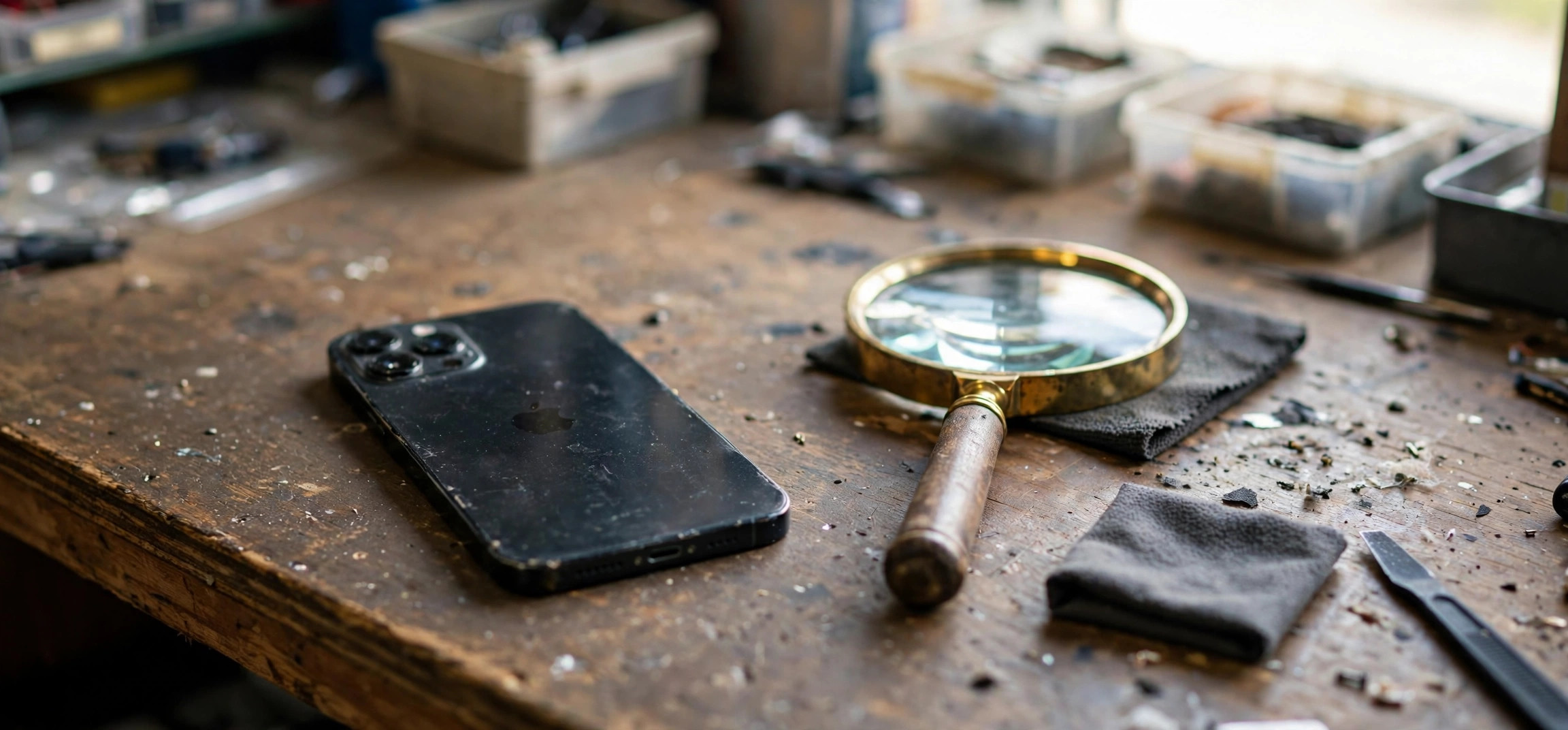
Always inspect a used iPhone in person before buying, ideally in a public, well-lit place. Check the body for dents and cracks, look at the screen from an angle for discoloration or dead pixels, and confirm the buttons, mute switch, and charging port all work. Shine a light into the charging port — heavy lint or corrosion suggests rough handling.
Look for signs the phone was opened: misaligned seams, non-original screws, or a screen that does not sit flush. Third-party repairs are not automatically a dealbreaker, but undisclosed ones are — a phone with a replaced screen or battery should be priced accordingly and disclosed upfront. Check the battery health under Settings > Battery > Battery Health & Charging; anything under 85% maximum capacity means you will likely need a battery replacement soon, which is a negotiating point.
Step 6: Test Every Function Before Paying
A stolen or damaged phone often hides problems that only surface in testing. Bring your own SIM card and run through this checklist on the spot:
- Cellular and calls: Insert your SIM, confirm signal bars, make a call, and test the speaker and microphone.
- Wi-Fi and Bluetooth: Connect to a hotspot and pair a Bluetooth device.
- Camera: Test both rear and front cameras, including flash and video recording.
- Face ID or Touch ID: Enroll your own biometrics and confirm they unlock the phone.
- Speakers and microphones: Play audio, record a voice memo, and test on speakerphone.
- Display: Open a white screen and a black screen to spot dead pixels and backlight bleed.
- Charging: Plug in a cable and confirm it charges without wiggling the connector.
- Find My: Confirm Find My iPhone is off or that the seller signs out of iCloud completely.
Also sign in with your own Apple ID briefly to confirm the phone activates cleanly on your account. If the seller resists any of this testing, treat it as a failed check.
Step 7: Vet the Seller and the Deal
The seller’s behavior tells you as much as the phone does. Walk away from any deal with these red flags: the price is far below market value for the model and condition; the seller refuses to provide the IMEI or serial number in advance; they will not meet in person or insist on shipping first; they pressure you to pay immediately with gift cards, wire transfers, or crypto; the phone is still signed into someone else’s iCloud account; or the story about where the phone came from keeps changing.
Prefer sellers with verifiable history: marketplace profiles with ratings and completed sales, or local shops with a physical address and a return policy. Ask directly: “Are you the original owner? Is the phone fully paid off? Is it still under any carrier contract or installment plan?” A phone with an unpaid carrier balance can be blacklisted later when the seller stops paying — get the answer in writing in your messages, not just verbally.
Step 8: Pay Safely and Get Proof
For in-person purchases, cash in a public place is standard, but get a written receipt anyway — a simple note with the date, the phone model, IMEI, serial number, price, and both parties’ names and signatures. Photograph the seller’s ID if they agree. This paper trail is your only recourse if problems surface later.
For online or shipped purchases, use a payment method with buyer protection, such as a credit card or a marketplace’s protected checkout. Never pay with irreversible methods like wire transfers, gift cards, or cryptocurrency for a used phone — those are the payment methods of every phone scam in existence. The U.S. Federal Trade Commission’s guidance on buying used electronics and avoiding marketplace scams is worth reading before any high-value second-hand purchase (consumer.ftc.gov).
What to Do If a Check Fails
If any check fails, stop the deal — do not negotiate around it. An Activation Lock that the seller “cannot remove right now” will not get easier to remove after you pay. A blacklisted IMEI will not become clean. A serial number Apple does not recognize means the device is not what it claims to be.
If you suspect the phone is stolen, do not confront the seller aggressively. End the meeting politely, keep any messages and the IMEI number, and report the listing to the marketplace and to local police if you have concrete evidence. If you already bought a phone that turns out to be locked or blacklisted, contact the seller immediately, file a claim with your payment provider within their dispute window, and report the fraud to the marketplace. Time matters — dispute windows close, so act within days, not weeks.
The same careful mindset applies beyond phones. If you are also shopping for a used computer, read our second-hand laptop checklist — many of the verification principles are identical. And once your iPhone is safely yours, pairing it with the right audio gear matters too — see our comparison of wired vs wireless earbuds for phone calls before you buy accessories.
Frequently Asked Questions
Can a stolen iPhone be unlocked and used normally?
Not legitimately. Activation Lock can only be removed by the original owner signing out of iCloud, or by Apple with original proof of purchase. Services claiming to “unlock” iCloud-locked iPhones are scams or use methods that stop working after updates. A blacklisted IMEI also cannot be permanently cleared by the buyer.
Is it illegal to buy a stolen iPhone if I did not know?
Laws vary by jurisdiction, but buying property you reasonably should have known was stolen can create legal trouble, and the phone can be seized and returned to its owner regardless. This is exactly why documented checks matter — they are both your protection against loss and evidence of good faith.
How do I check an iPhone’s IMEI for free?
Dial *#06# on the iPhone to display the IMEI, then run it through your carrier’s free IMEI checker and Apple’s Check Coverage page with the serial number. These official checks cost nothing. Avoid paid “full history report” sites unless you have a specific reason — the free checks catch the important problems.
What does it mean if Find My iPhone is still on?
It means the phone is still tied to the previous owner’s Apple ID. They must turn it off by signing out of iCloud on the device or removing it from their account at iCloud.com. Never buy a phone with Find My still active — you will be locked out at the next reset or update.
Should I buy a used iPhone that is still under a carrier installment plan?
It is risky. If the seller stops making payments, the carrier can blacklist the IMEI and the phone loses cellular service. Only consider it if the seller pays off the balance and provides written proof before you buy, or buy carrier-unlocked phones that are fully paid off.
Are refurbished iPhones from Apple or carriers safer than marketplace phones?
Yes, significantly. Apple Certified Refurbished devices and carrier refurbished programs verify the IMEI, remove Activation Lock, test all functions, and include a warranty and return window. You pay more than a private sale, but you skip every check in this guide because the seller already did them.
Conclusion
Checking if a used iPhone is stolen before buying comes down to a disciplined sequence: get the IMEI and serial number, verify Activation Lock is off on the device itself, confirm the serial with Apple, run the IMEI through carrier and stolen-phone databases, inspect and test everything in person, vet the seller, and pay with protection and a paper trail. Any single failed check is a reason to walk away — there will always be another phone, but you will not get your money back from a scammer. Ten minutes of verification protects a purchase worth hundreds.