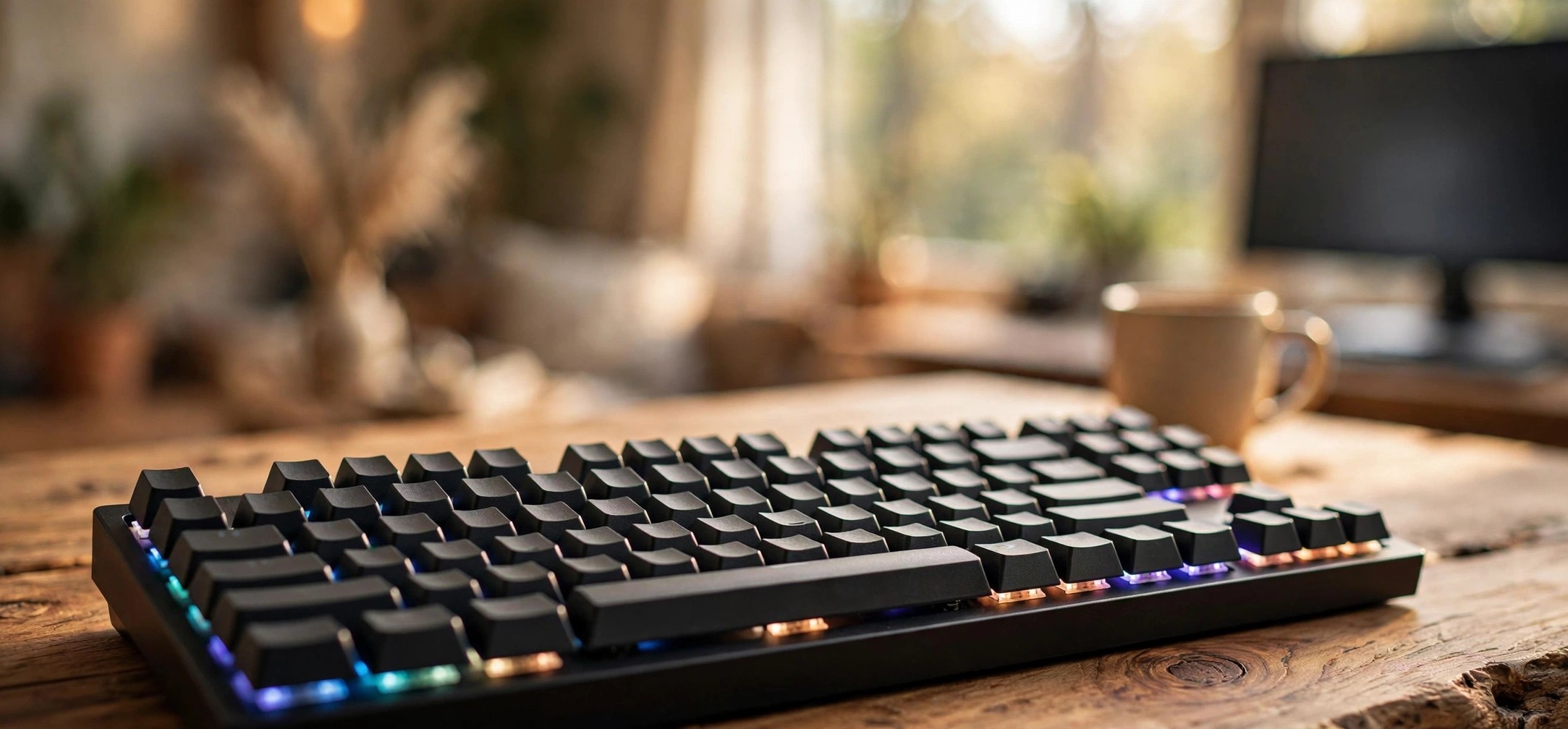
Typing on a mechanical keyboard for the first time is one of those small upgrades that genuinely changes how a computer feels. Every keypress is crisp, deliberate, and satisfying in a way membrane keyboards never manage. The good news for Indian buyers is that you no longer need to spend five figures to get that experience — the best budget mechanical keyboard under 3000 india shoppers can find today delivers the core mechanical feel, decent build quality, and often RGB lighting, all within a student-friendly budget.
But the budget segment is also full of compromises, and knowing which ones matter — and which ones do not — is the difference between a keyboard you love for years and one that gathers dust in a month. This guide explains everything worth knowing before you buy: switch types, keyboard sizes, wired versus wireless, and what to realistically expect under ₹3,000. Instead of pushing specific models that may be out of stock or replaced by the time you read this, it focuses on categories, features, and buying criteria so you can judge any listing on Amazon India or Flipkart with confidence.
In this guide
- Why Go Mechanical on a Budget?
- Switch Types Explained: Blue, Brown, Red and More
- Keyboard Sizes: Full-Size, TKL, 75% and 60%
- Best Budget Mechanical Keyboard Under 3000 India: A Buyer’s Checklist
- Wired vs Wireless: What Your Budget Gets You
- Brands Worth Considering in India
- Common Mistakes Budget Buyers Make
- Frequently Asked Questions
- Conclusion
Why Go Mechanical on a Budget?
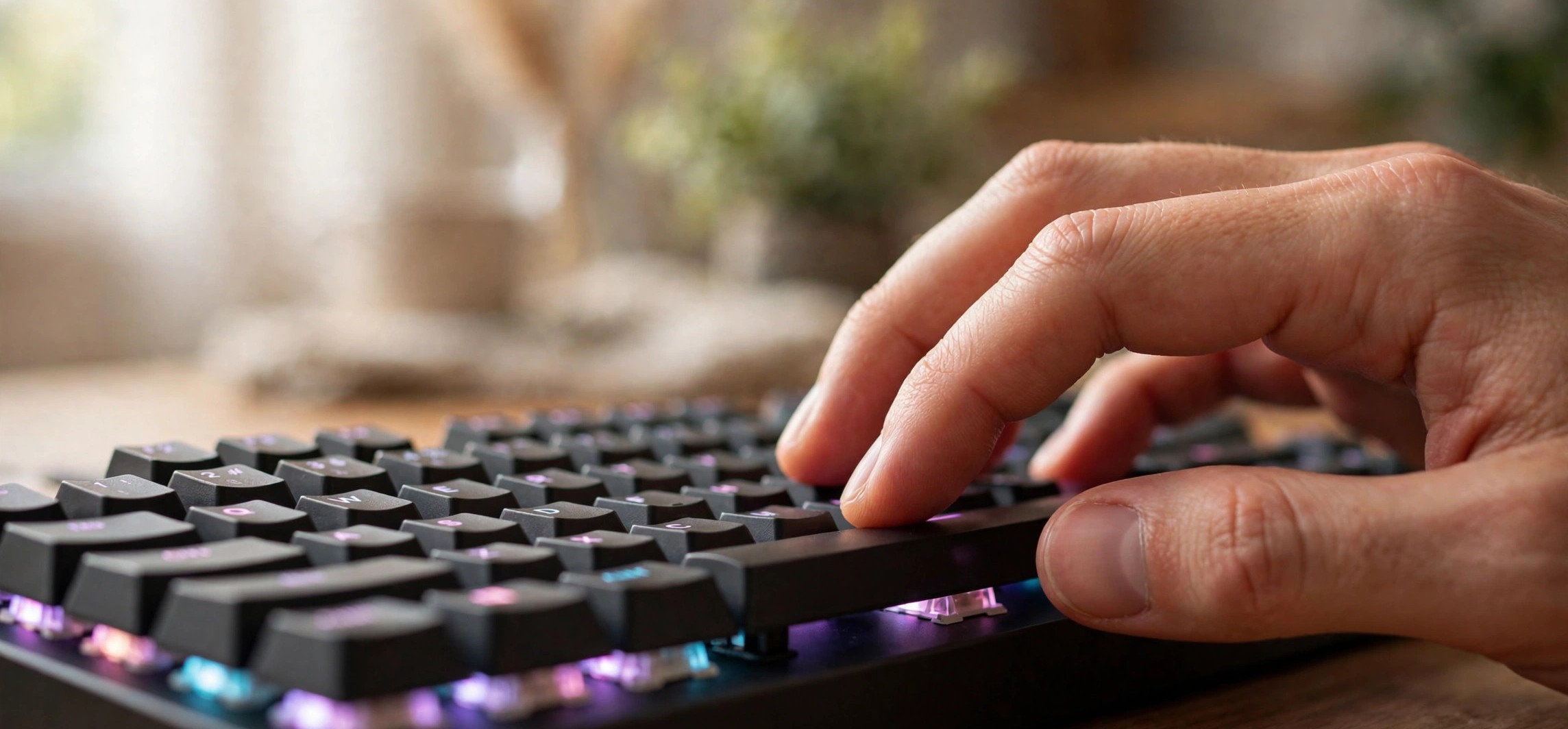
A mechanical keyboard uses an individual physical switch under every key, while the cheap membrane keyboard that came with your PC uses a single rubber sheet. That one design difference is responsible for everything people love about mechanical boards: each keypress registers at a precise point, keys do not feel mushy, and the keyboard typically lasts for tens of millions of keypresses per key instead of wearing out unevenly.
For students and office workers, the practical benefits are comfort and accuracy. The defined actuation point reduces typing fatigue over long sessions — genuinely useful if you write assignments, code, or articles for hours. For gamers, the benefit is faster, more consistent key registration and anti-ghosting (the ability to press many keys at once and have all of them register), which budget mechanical boards generally handle far better than membrane ones.
Under ₹3,000 you will not get premium features like gasket mounts, PBT keycaps, or hot-swappable sockets on most boards — those live in the ₹5,000+ segment. But you do get the fundamental mechanical typing experience, and for most first-time buyers that is exactly the right place to start. Think of a budget board as a low-risk way to discover which switch type and size you like before ever considering an expensive upgrade.
Switch Types Explained: Blue, Brown, Red and More
The switch is the heart of a mechanical keyboard, and it determines how each keypress feels and sounds. Budget boards in India typically use either genuine Cherry-style switches or, more commonly, clones from manufacturers like Outemu, which keep costs down while delivering a very similar feel. Here are the three main types you will encounter:
Blue switches: clicky and loud
Blue switches give a sharp tactile bump and an audible click with every press. They are the most “mechanical-feeling” switches and many typists love them. The downside is noise — they are loud enough to annoy roommates, family members, or office colleagues. Choose blue only if you type alone or genuinely enjoy the sound.
Brown switches: tactile but quieter
Brown switches keep the tactile bump you feel when the key registers, but without the loud click. They are the safest all-round choice for most buyers: good for typing, acceptable for gaming, and quiet enough for shared spaces. If you are unsure which switch to pick, brown is the default recommendation.
Red switches: smooth and linear
Red switches have no bump and no click — the key travels smoothly straight down. They need the lightest touch, which gamers like for rapid keypresses, but some typists find them too easy to press accidentally. They are also the quietest of the three, making them a good pick for late-night use in hostels or shared rooms.
Some budget boards also offer less common options or “optical” switches, but under ₹3,000 the blue/brown/red choice covers nearly everything you will find. Ignore marketing terms and focus on these three.
Keyboard Sizes: Full-Size, TKL, 75% and 60%
Size affects your desk space, your workflow, and — importantly — your budget. Smaller boards are often cheaper and leave more room for mouse movement, which gamers appreciate.
- Full-size (104 keys): includes the number pad. Best if you regularly enter numbers — accounting, data entry, spreadsheets. Takes the most desk space.
- TKL / Tenkeyless (87 keys): drops the number pad but keeps everything else. The sweet spot for most buyers: compact but fully functional.
- 75% (~84 keys): squeezes the function row and navigation keys closer together. Popular with enthusiasts; slightly cramped for beginners.
- 60% (61 keys): no function row, no arrow keys as dedicated keys (they are on a function layer). Very compact and portable, but the learning curve is real — not ideal as a first mechanical keyboard unless desk space is extremely tight.
For a first budget board, TKL is the safest choice: you lose nothing you are likely to miss, gain meaningful desk space, and TKL boards are widely available under ₹3,000. Only go 60% if you specifically want maximum portability or already know you are comfortable with function layers.
Best Budget Mechanical Keyboard Under 3000 India: A Buyer’s Checklist
When comparing listings, run through this checklist. A board that ticks most of these boxes is a solid buy; one that misses several deserves scepticism regardless of how flashy its RGB looks.
- Switch type clearly stated: the listing should name the switch colour (blue/brown/red) or at least the feel (clicky/tactile/linear). Vague “mechanical feel” wording is a red flag — some cheap boards are actually membrane with mechanical looks.
- Anti-ghosting / n-key rollover: essential for gaming; nice for fast typing. Most genuine budget mechanical boards include it — verify it in the specs rather than assuming.
- Keycap material: ABS keycaps are standard at this price and fine to start with; they develop shine with heavy use over a year or two. PBT keycaps (more durable, textured) are rare under ₹3,000 but a nice bonus if you find them.
- Build quality: look for a metal top plate or at least a rigid plastic frame with minimal flex. User reviews mentioning “solid, no flex” are a good sign; “creaky” or “hollow sounding” are warnings.
- Cable: a detachable braided USB cable is a plus — easier to replace and carry. Fixed thin cables are common at this price and acceptable.
- Backlighting: single-colour or rainbow backlighting is typical; per-key RGB exists but is less common under ₹3,000. Treat lighting as a bonus, not a buying reason — it does not affect typing.
- Warranty and seller: prefer listings with at least a 1-year warranty from an Indian seller or brand with local service. Grey-market imports with no warranty are not worth the small saving.
Wired vs Wireless: What Your Budget Gets You
Under ₹3,000, wired is the smarter choice for most buyers. A wired connection means zero input lag, zero battery anxiety, and zero wireless interference — and every rupee of the price goes into switches and build quality instead of batteries and Bluetooth chips. If your goal is the best budget mechanical keyboard under 3000 india can buy, a wired TKL board from an established brand is the safest bet.
Wireless budget boards do exist, usually with 2.4 GHz dongles, Bluetooth, or both. They are convenient for clean desk setups and couch use, but expect compromises: cheaper wireless implementations can have noticeable latency for gaming, battery life claims are often optimistic, and the board itself may use lower-grade switches to hit the price. If you go wireless on a budget, a tri-mode board (wired + 2.4 GHz + Bluetooth) gives you a fallback — use it wired for gaming and wireless for casual use.
One practical note for Indian buyers: many budget wireless boards charge over the same USB cable they use for wired mode, so you are never truly stuck if the battery dies mid-session. Just keep the cable handy.
| Feature | What to expect under ₹3,000 | Worth stretching the budget? |
|---|---|---|
| Switches | Outemu-style clones, blue/brown/red | Only if you want a specific premium switch |
| Keycaps | ABS, usually fine | PBT is nicer but rare at this price |
| Backlighting | Single-colour or rainbow; some RGB | No — lighting doesn’t affect typing |
| Hot-swap sockets | Rare | Nice for experimenting, not essential |
| Wireless | Available with compromises | Wired is better value here |
| Build | Plastic frame, sometimes metal plate | Yes if the board feels flimsy in reviews |
Brands Worth Considering in India
You do not need to memorise model numbers — they change constantly — but knowing which brands consistently serve the budget segment helps you filter listings quickly. Redragon and Cosmic Byte are the two most established names for budget mechanical keyboards in India, with wide availability on Amazon India and Flipkart and generally honest specifications. Zebronics and Ant Esports also compete aggressively in this price band, and Portronics has budget-friendly options worth a look.
When evaluating any brand, check three things: how long the brand has sold keyboards in India (longer track record means better service networks), whether user reviews mention warranty claims being honoured, and whether the listing shows real photos rather than renders. Be cautious with unknown brands offering suspiciously low prices — a “mechanical keyboard” at ₹999 is almost certainly a membrane board in disguise. If you are building a full desk setup on a budget, our UPS buying guide and budget Wi-Fi router guide cover the other pieces worth getting right.
Common Mistakes Budget Buyers Make
Buying for RGB instead of switches. Flashy lighting photographs well but you will stop noticing it in a week; the switch feel is what you live with for years. Prioritise switch type and build, treat lighting as a tiebreaker.
Ignoring the return window. Switch feel is subjective — what one reviewer calls “perfectly clicky” another calls “obnoxiously loud.” Buy from platforms with easy returns (Amazon India and Flipkart both offer them on most listings) so a wrong guess costs you nothing.
Assuming “gaming keyboard” means mechanical. Many membrane keyboards are marketed as “gaming” keyboards with aggressive styling. If the listing does not name a switch type, assume membrane and move on.
Skipping the layout check. Some compact boards use non-standard layouts with oddly sized keys, making future keycap replacement difficult. For a first board, stick to standard layouts.
Frequently Asked Questions
Are mechanical keyboards under ₹3,000 actually good?
Yes, for the core experience. You get genuine mechanical switches, anti-ghosting, and solid typing feel. What you give up versus expensive boards is refinement: quieter operation, premium keycaps, hot-swap sockets, and software customisation. For a first mechanical keyboard, the budget segment is genuinely good value.
Which switch is best for both typing and gaming?
Brown switches are the best compromise — tactile feedback for typing accuracy without the noise of blues, and responsive enough for casual gaming. Competitive gamers who prioritise speed often prefer red; heavy typists working alone often love blue.
Do I need a wrist rest with a mechanical keyboard?
Mechanical keyboards sit higher than laptop or membrane keyboards, so a wrist rest improves comfort for long sessions. Many budget boards do not include one, but basic foam or wooden rests are inexpensive add-ons worth considering if you type for hours daily.
Can I use a mechanical keyboard with a laptop?
Absolutely — just plug it into a USB port (or pair over Bluetooth for wireless boards). Many laptop users keep a mechanical keyboard at their desk for serious typing and use the laptop keyboard on the go. If your laptop has only USB-C ports, you may need a small USB-C to USB-A adapter.
How loud are budget mechanical keyboards really?
Blue switches are genuinely loud — audible through a closed door. Brown is moderately quiet, roughly comparable to firm laptop typing. Red is the quietest. If noise matters in your home or hostel, choose brown or red, and know that even those are louder than a membrane keyboard.
Conclusion
The best budget mechanical keyboard under 3000 india buyers can choose is not a specific model — it is the one that matches your hands, desk, and noise tolerance: brown switches and a TKL layout for most people, red for quiet shared spaces or gaming, blue if you type alone and love the click. Check the switch type, build quality, and warranty before the RGB, buy from a platform with easy returns, and you will get years of satisfying typing for the price of a dinner out. For broader background on how these switches work, Wikipedia’s keyboard technology overview is a solid reference.